Navigating Tasks
The Tasks dashboard providesgives ayou comprehensivean overview of alltask assignmentsprojects, youassigned managework, ordeadlines, needprogress, toand complete.completion status.
Click Tasks in the main navigation menu.
ReadingRead the Dashboard
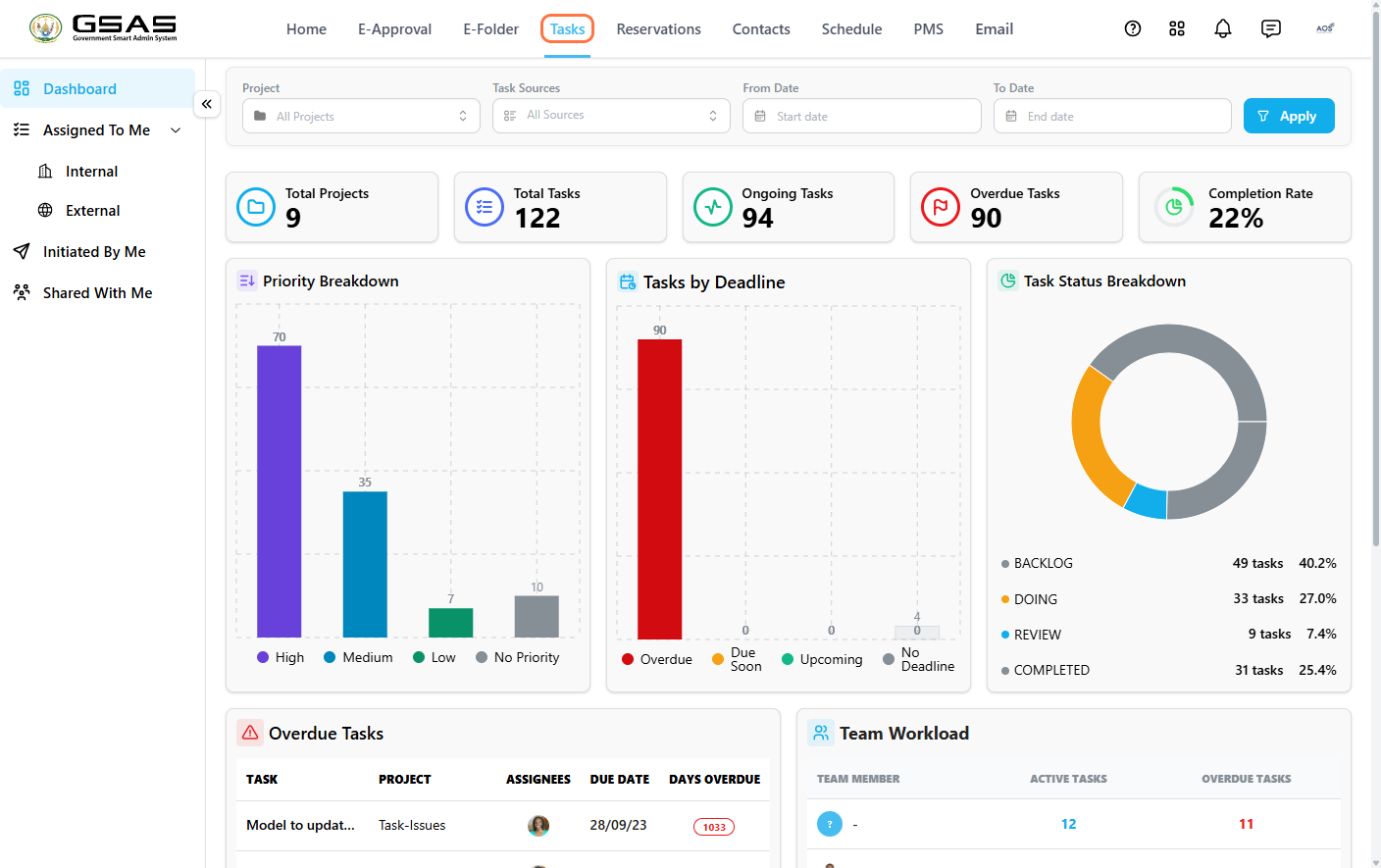
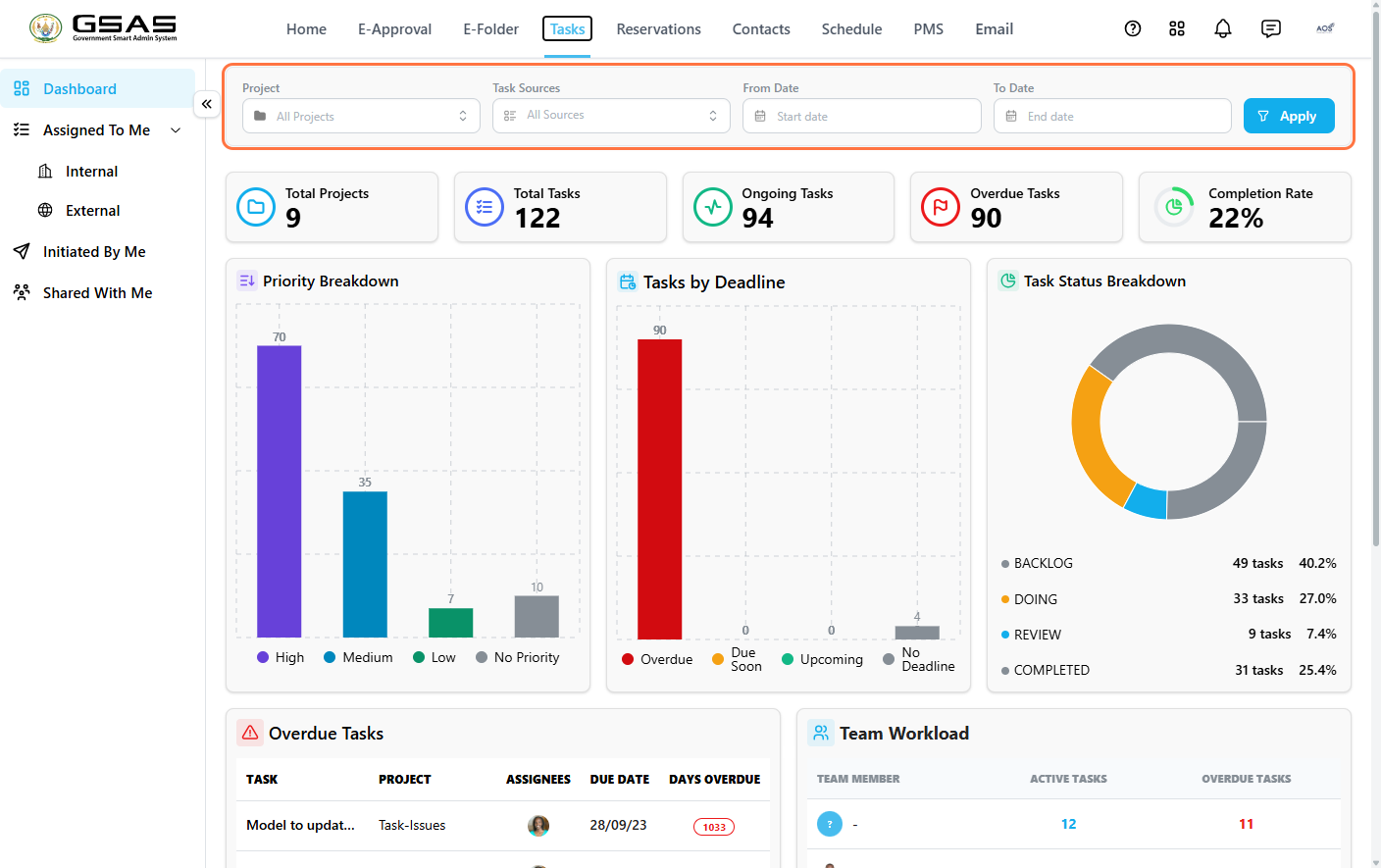
Use the filters at the top — Project, Task Sources, From Date, and To Date — to narrow the viewdashboard if needed,results, then click Apply.
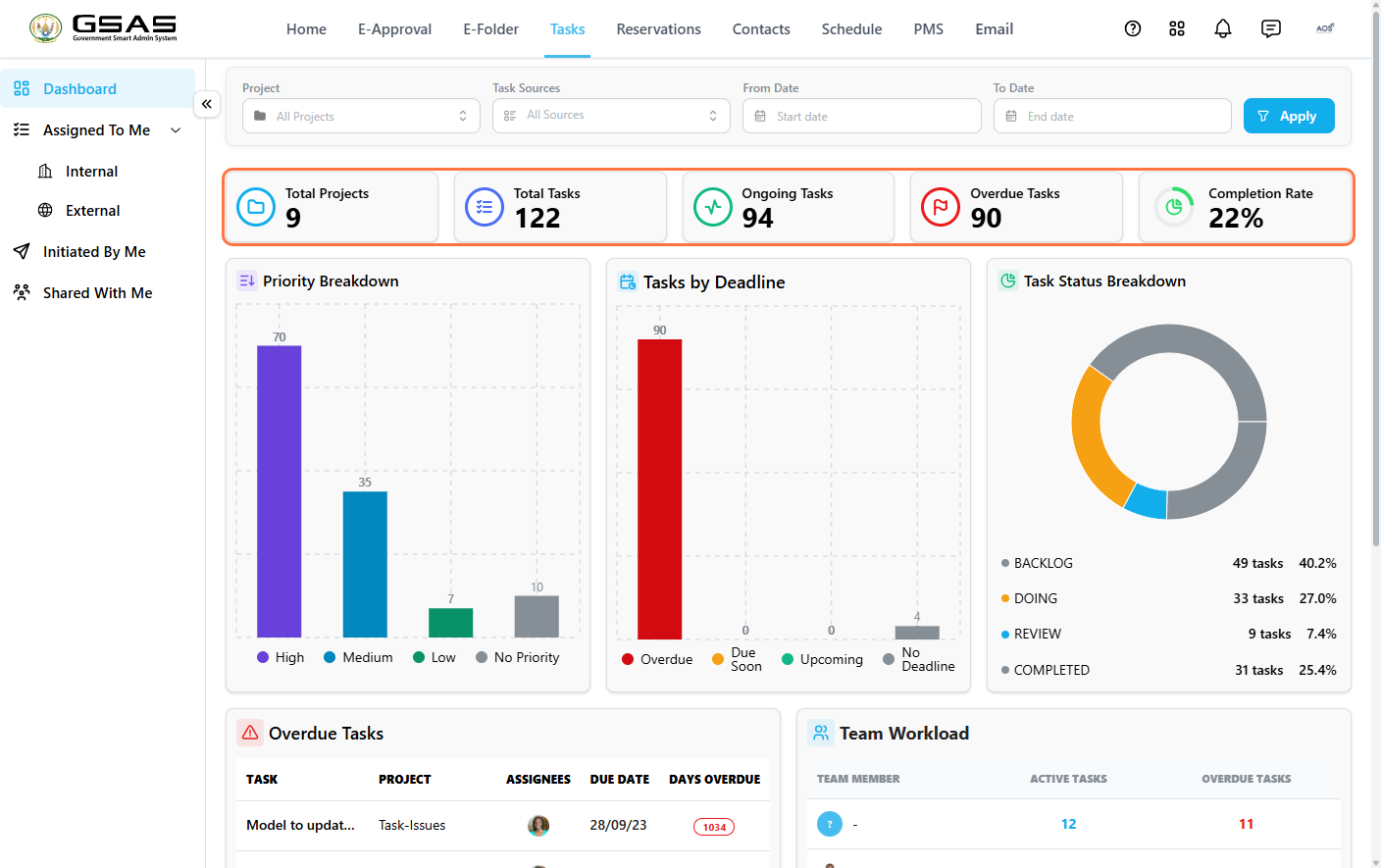
FiveThe summary cards give youshow the headlinemain numberstask figures at a glance:glance.
| Card | Shows |
|---|---|
| Total Projects | Number of active task projects. |
| Total Tasks | All tasks across those projects, including tasks assigned |
| Ongoing Tasks | Tasks currently in progress. |
| Overdue Tasks | Tasks past their due date. |
| Completion Rate | Percentage of tasks marked complete. |
ThreeThe charts breakshow thistask downdistribution further:by priority, deadline, and status.
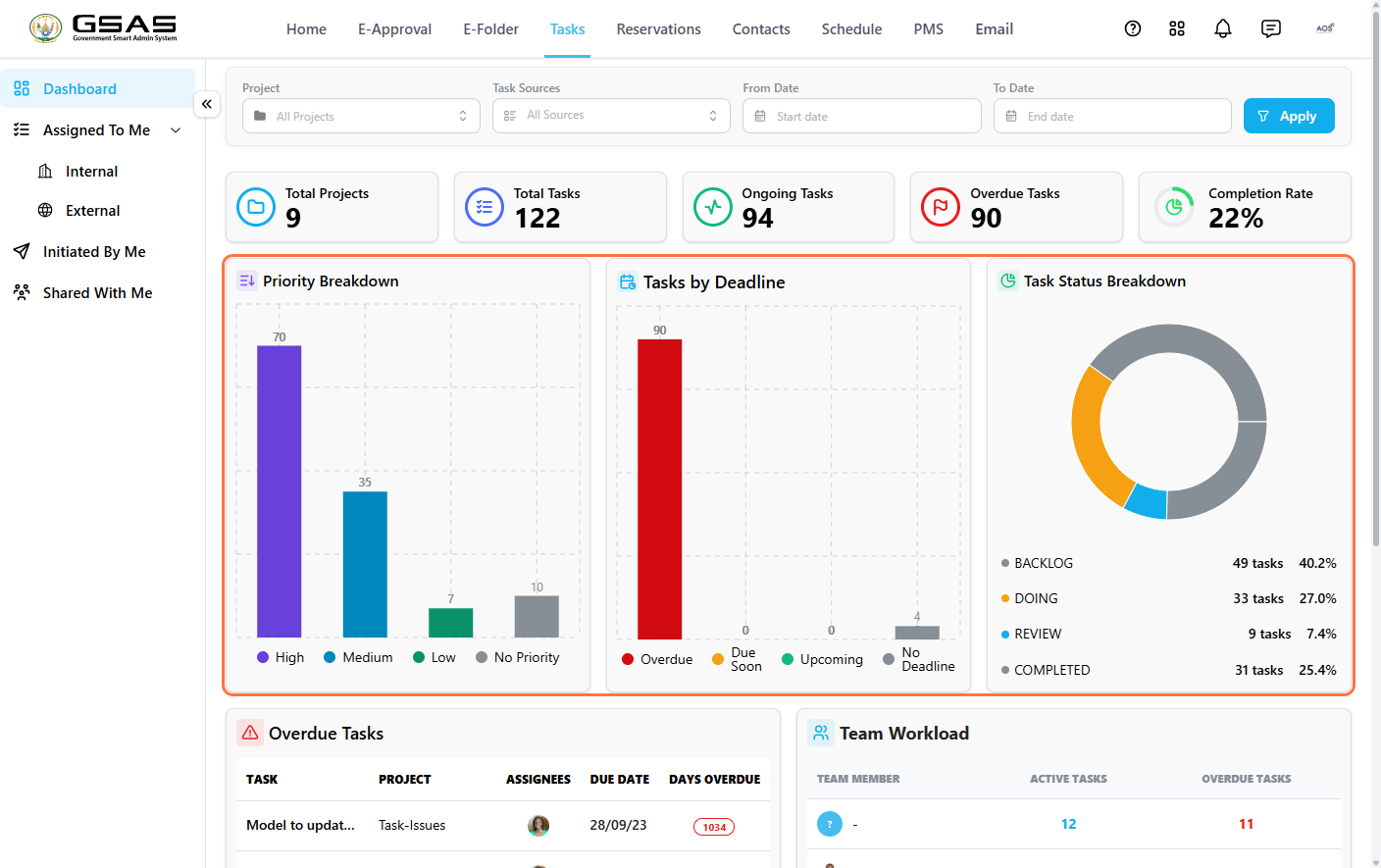
| Chart | Shows |
|---|---|
| Priority Breakdown | How tasks are distributed across High, Medium, Low, and No |
| Tasks by Deadline | How many tasks are due, overdue, or have no deadline set. |
| Task Status Breakdown |
Task categoriesCategories
Tasks are grouped by theirorigin. origin: tasksTasks assigned to you by others fallappear under Assigned To Me, while task projects and tasks you'veyou created and delegated fallappear under Initiated By Me.
1. Assigned To Me
Use Assigned To Me to view tasks you are responsible for:for.
- Click Assigned To Me → Internal
fortoassignmentsvieworiginatingtasks assigned from within your institution. - Click Assigned To Me → External to view tasks assigned by outside users.
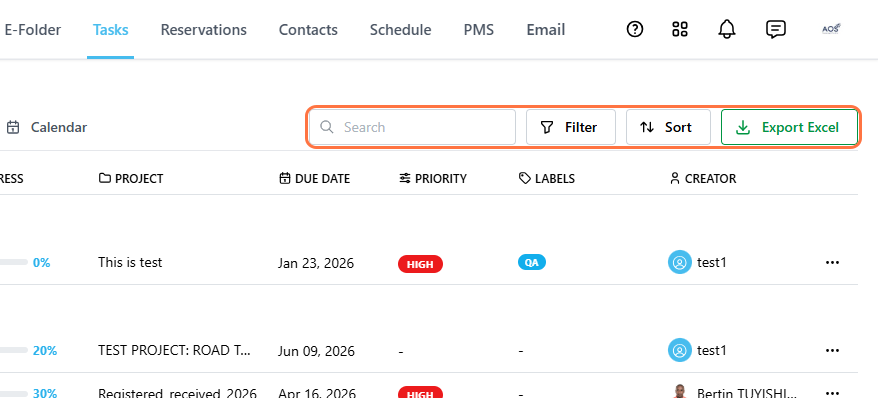
Use Search, Filter, and Sort to narrow down the list, or click Export Excel to download it as a spreadsheet.
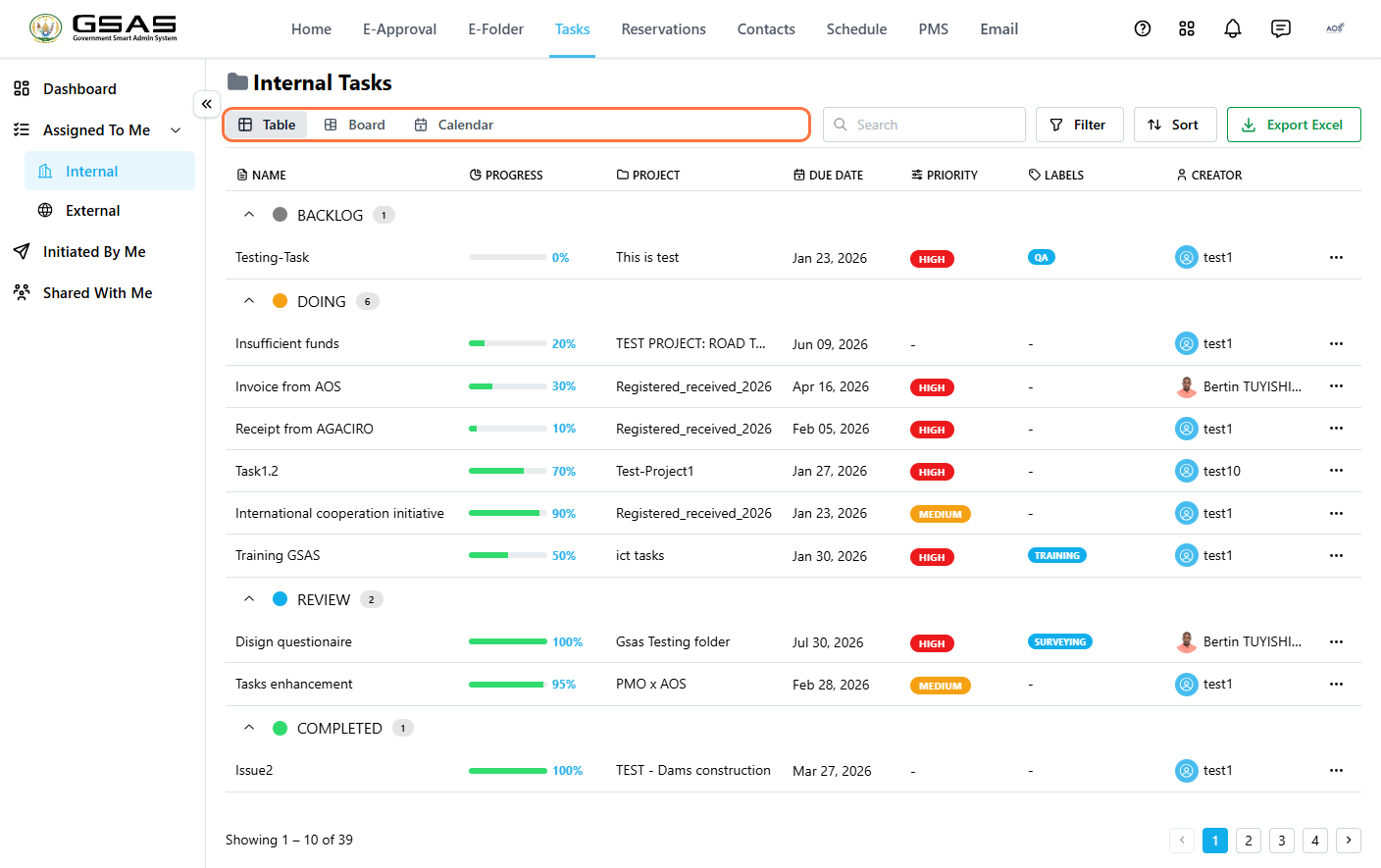
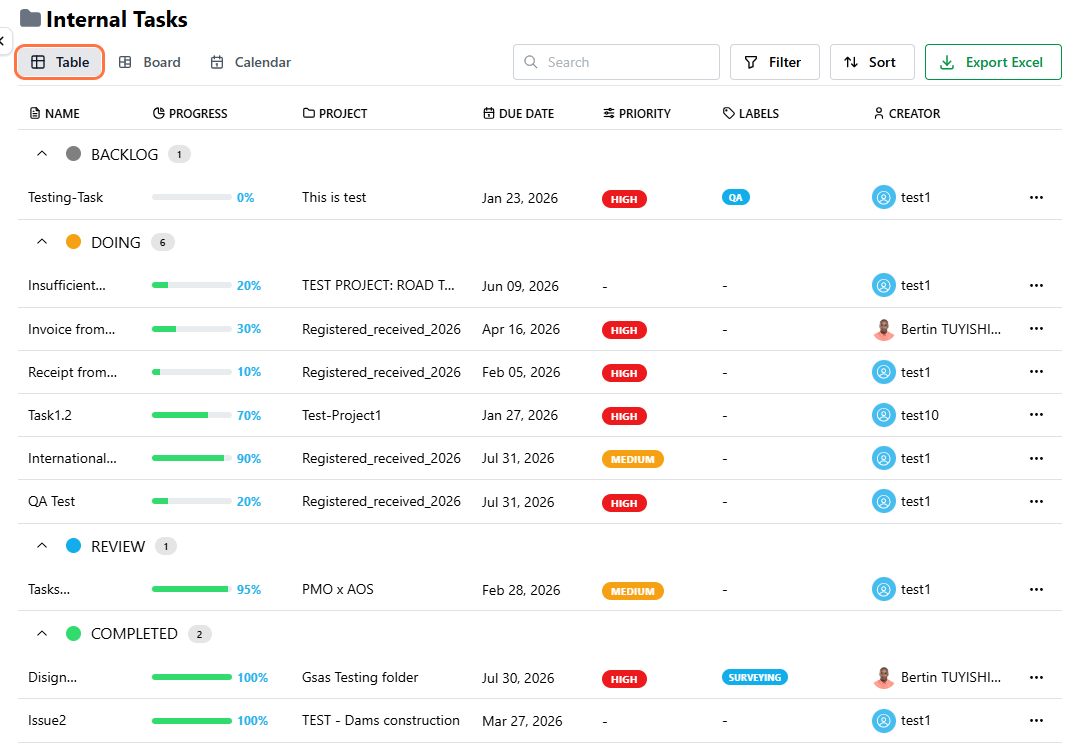
WithinAssigned either list, youtasks can visualizebe yourviewed workloadin usingthree different formats:formats.
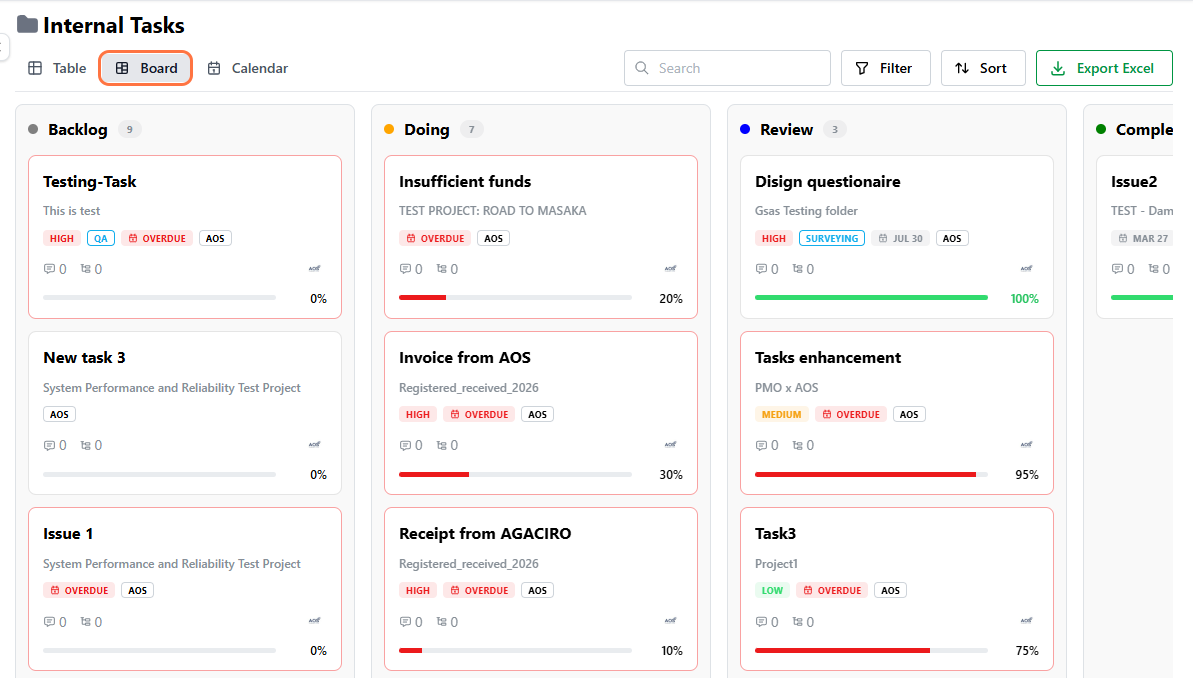
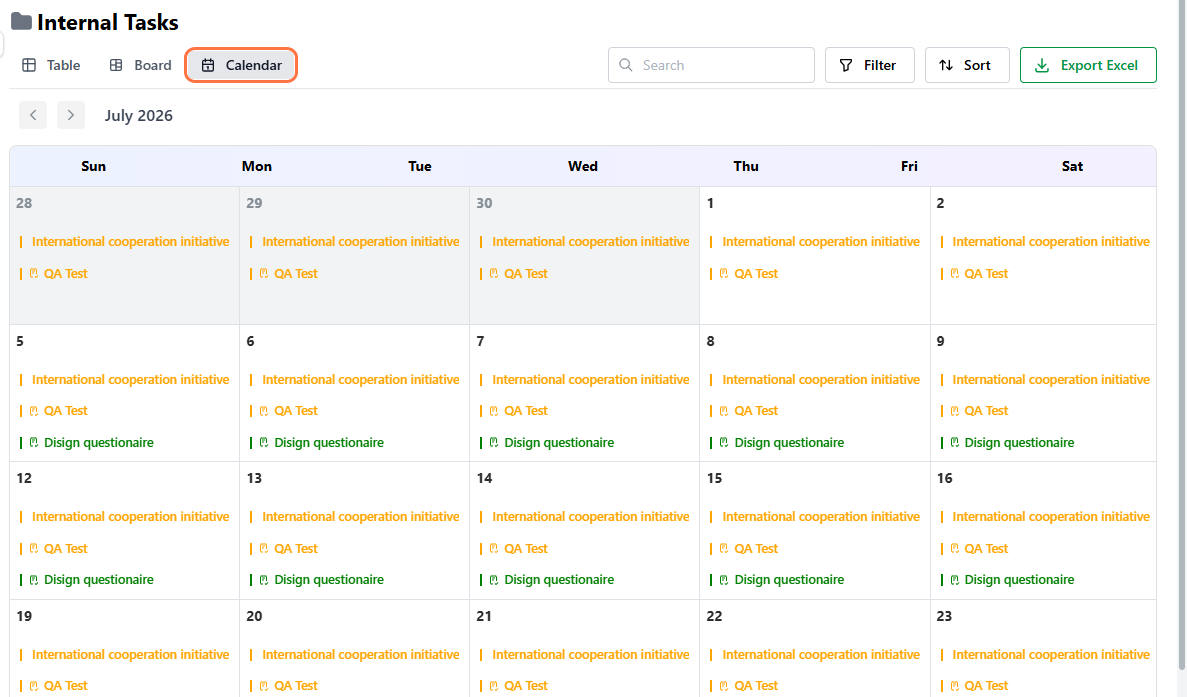
2. Initiated By Me
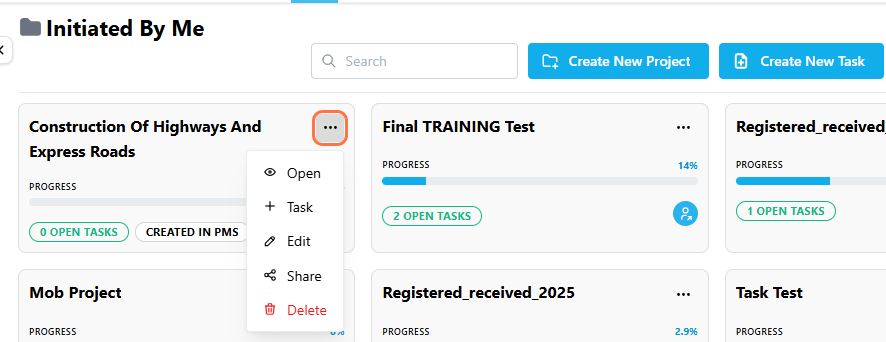
ClickUse Initiated By Me to view thetask projects and tasks you'veyou created andor delegated to others. Each project card shows its progress, a tag indicating the number of open taskstasks, and aany relevant source tag such as CREATED IN PMS tag for projects originating from the PMS module..
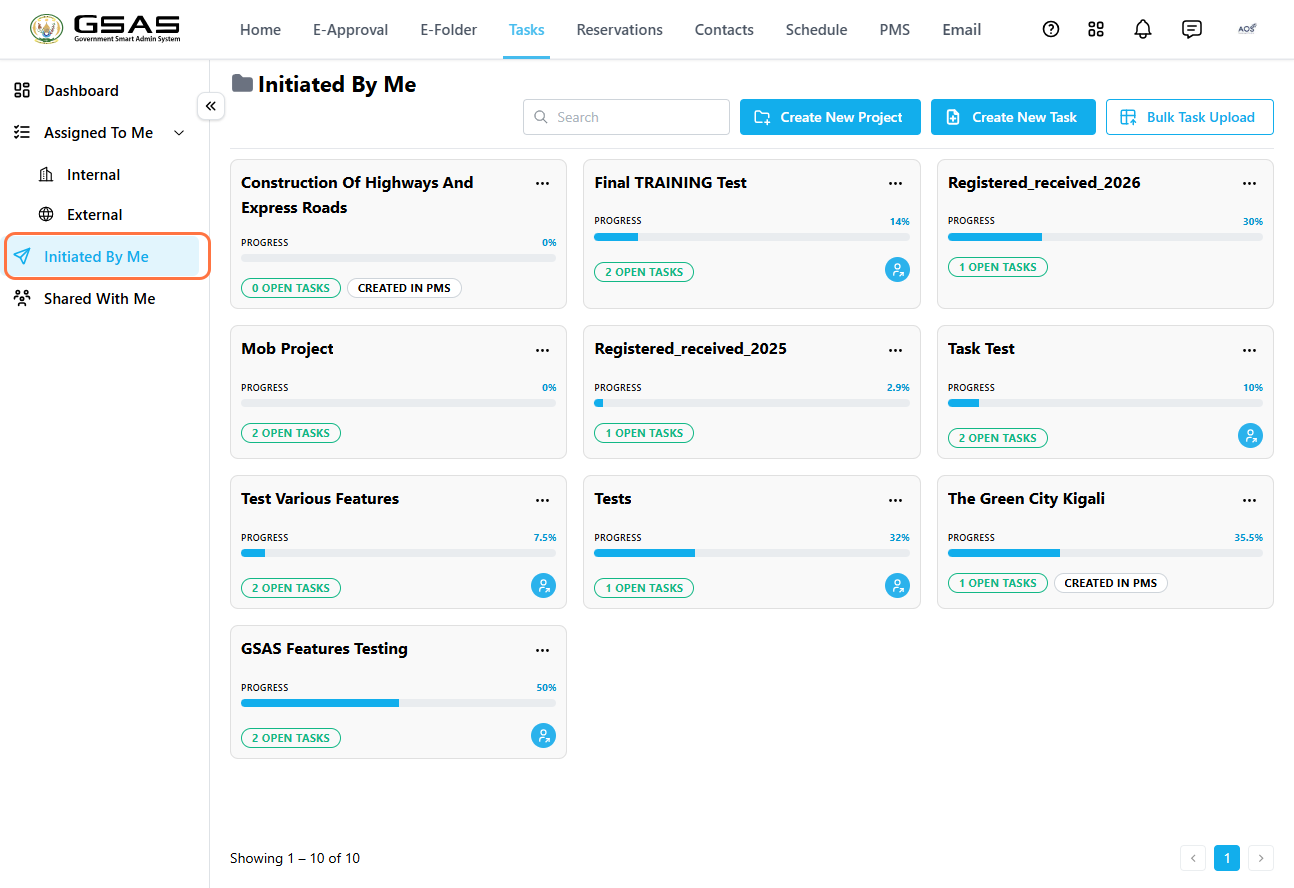
Note: Task projects |
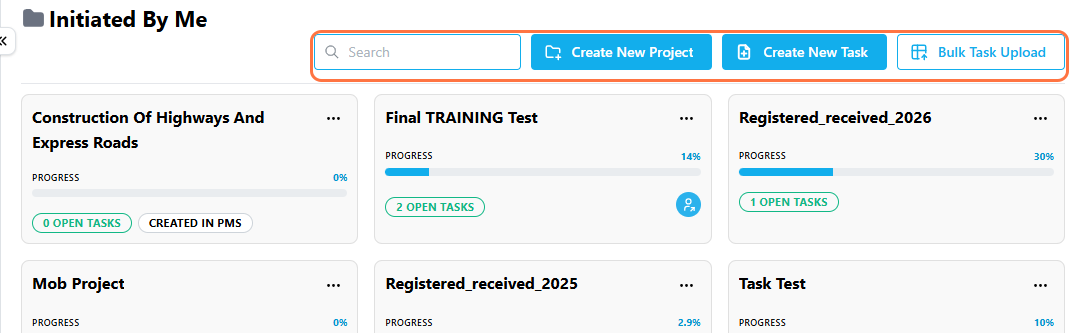
Use Create New Project, Create New Task, or Bulk Task Upload to add new work,work. andUse Search to find a specific task project or task.
Click on thea task project'sproject title to open itit. or click onClick the … icon on the taska project card to seeaccess more options;options, adding aincluding Add Task, Edit, Share, orand Delete the project..