Registering documents
This section outlines the steps for users to register incoming documents that were not received through the Government Smart Administration System for archiving and sharing.
Key Steps
Step 1: Access eApproval
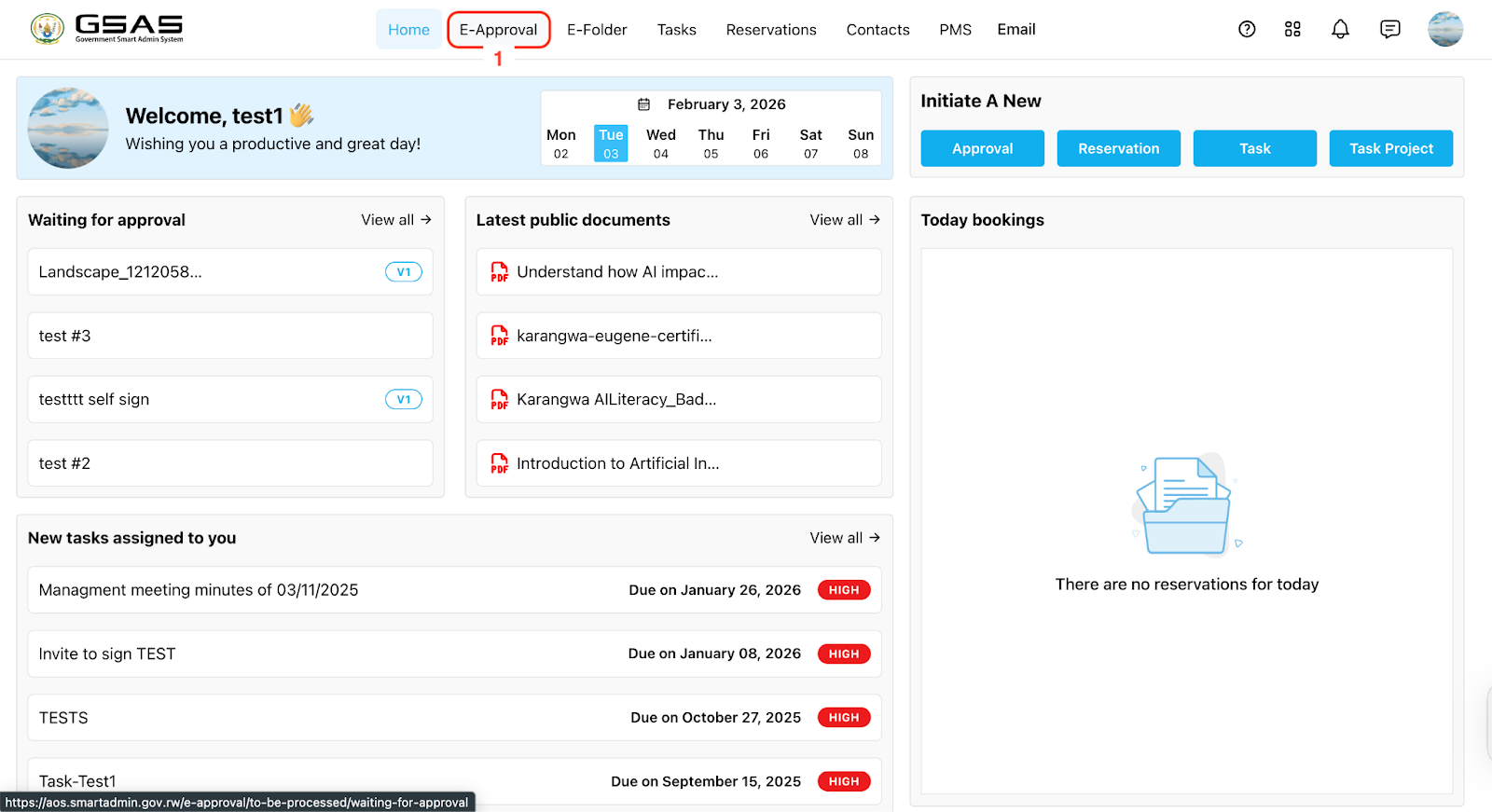
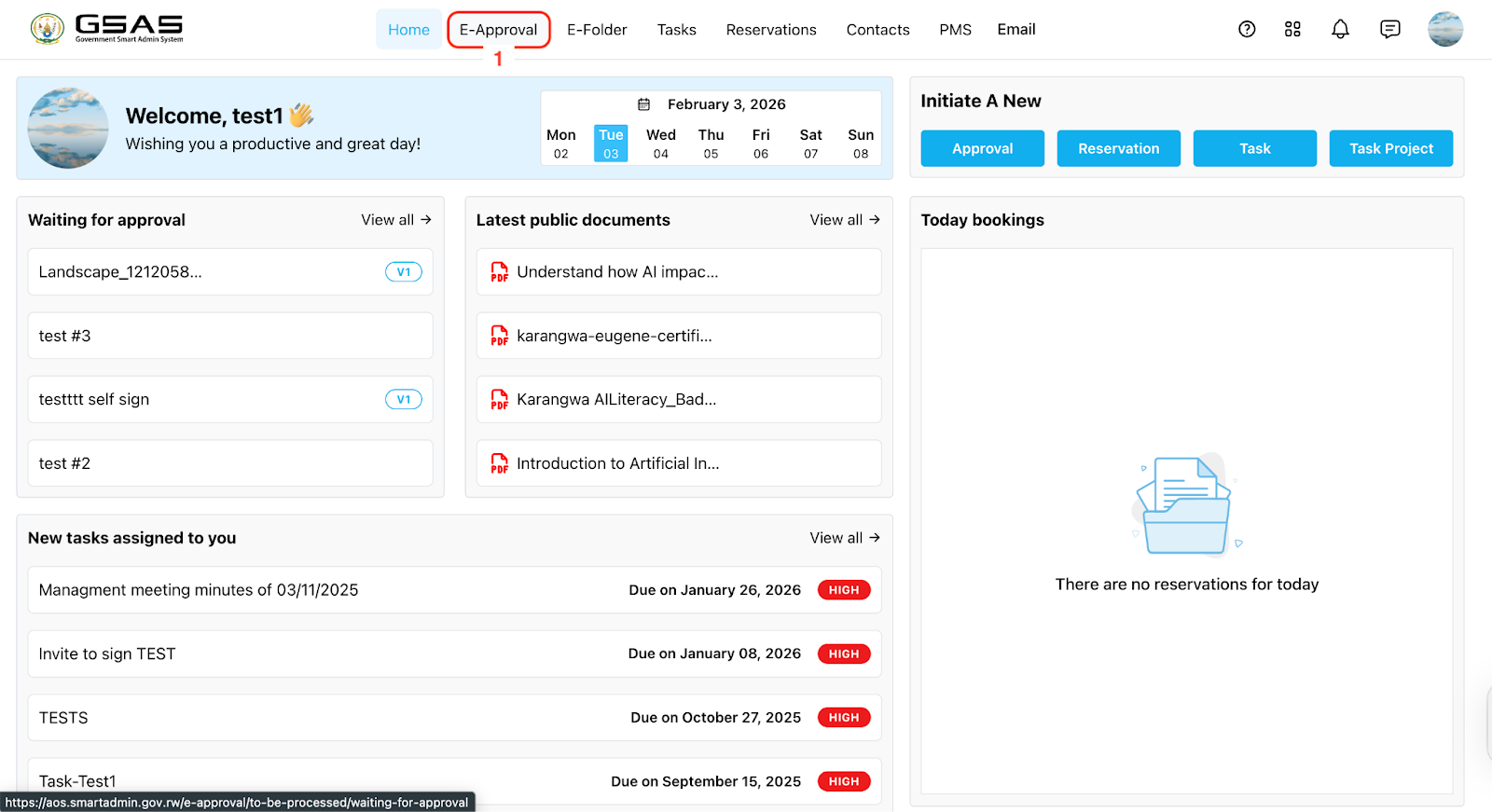

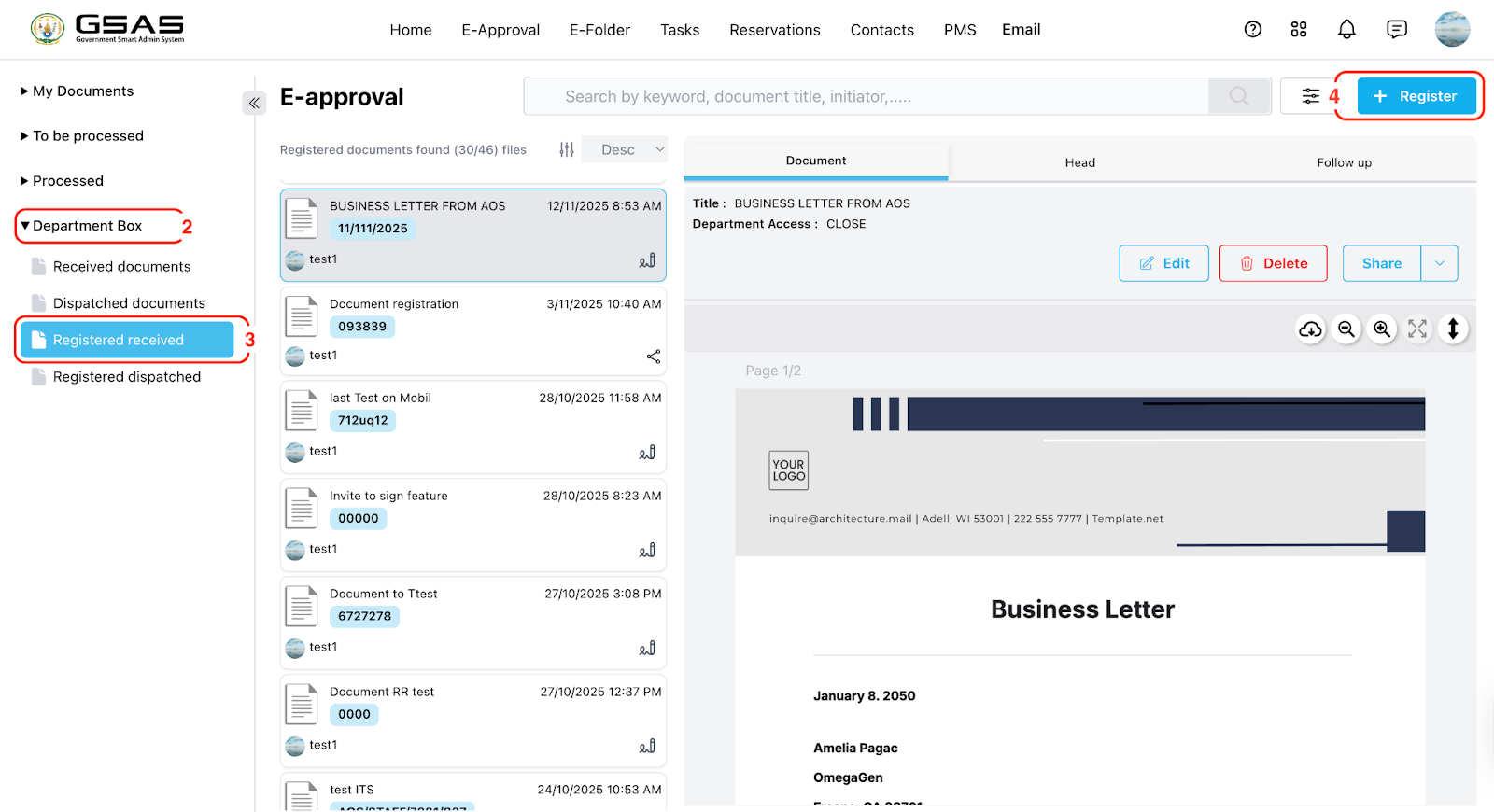
Step 2: Document Details Entry
Input the title of your document.
Add the document’s reference number.
Determine access to the document for other team members in your department. (Refer to the cautious message on the side.)
Add reception date
Add redaction date (Date of when the document is/will be handled)
Optionally, add comments summarizing your document.
Enter the institution name (e.g., AOS).
Specify the division (e.g., HR) if necessary.
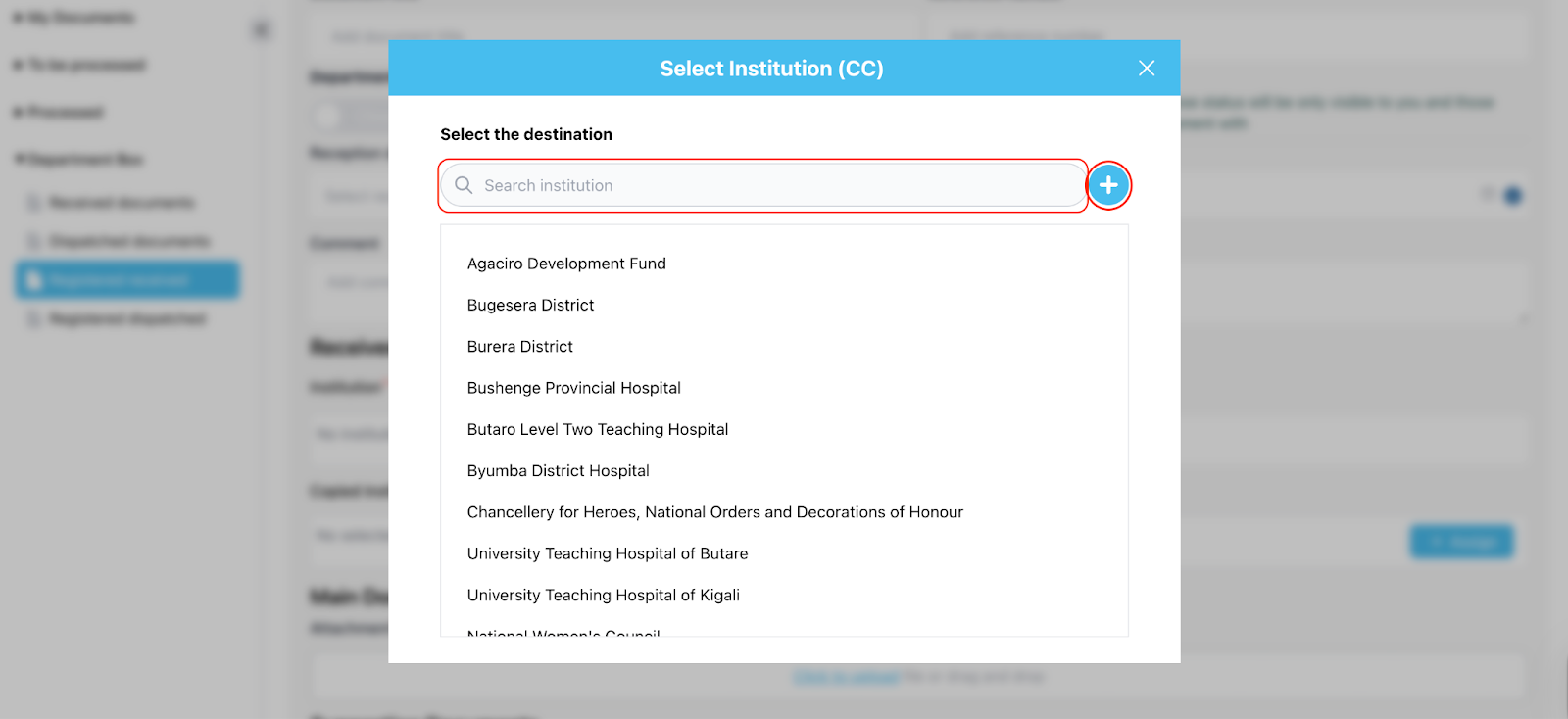
Select/Enter the copied institution or type it using the add (+) button.
Select/Enter the addressed institution or type it using the add (+) button.
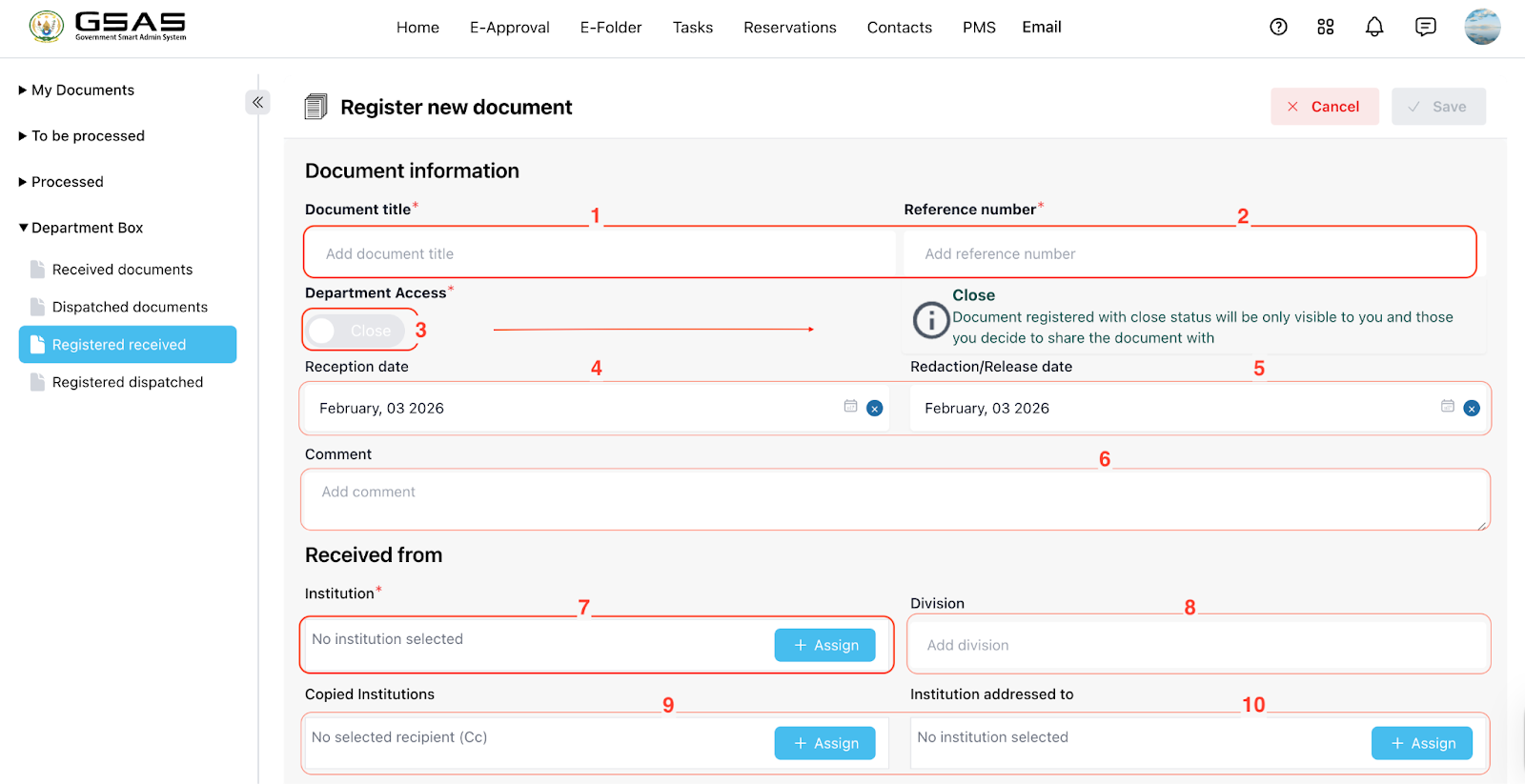
→ After clicking the “+ Assign” button, a new model will open.
Attach the main PDF document.
If applicable, attach any supporting documents.
