Registering documents
This section outlines the steps for users to register incoming documents that were not received through the Government Smart Administration System for archiving and sharing.
Key Steps
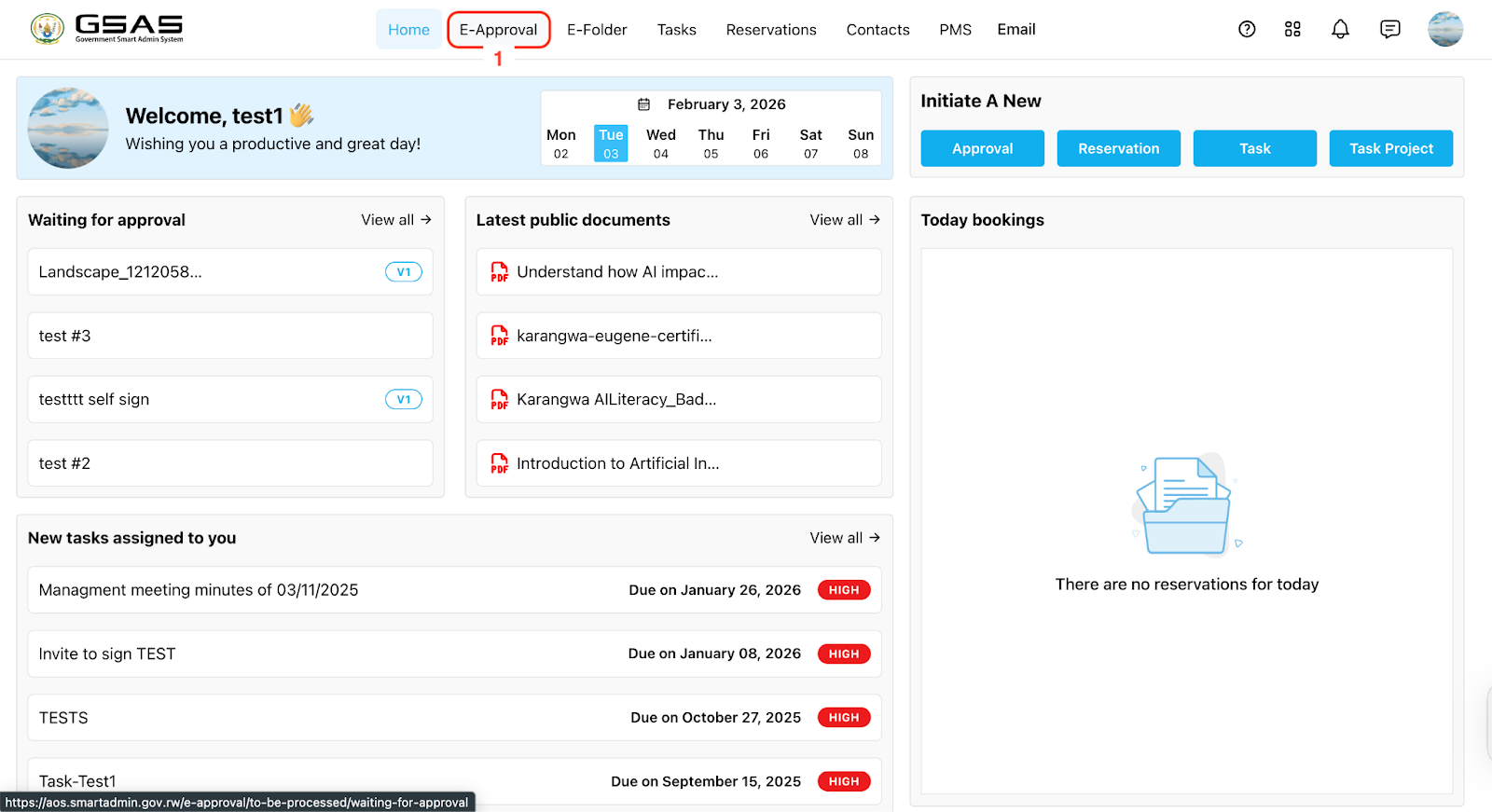
Step 1: Access eApproval
Navigate to the eApproval section of the system.
Go to the department box.
Go to Registered Received
Click on the “Register” button to begin the document registration process.