Registering documents
This section outlines the steps for users to register incoming documents that were not received through the Government Smart Administration System for archiving and sharing.
Key Steps
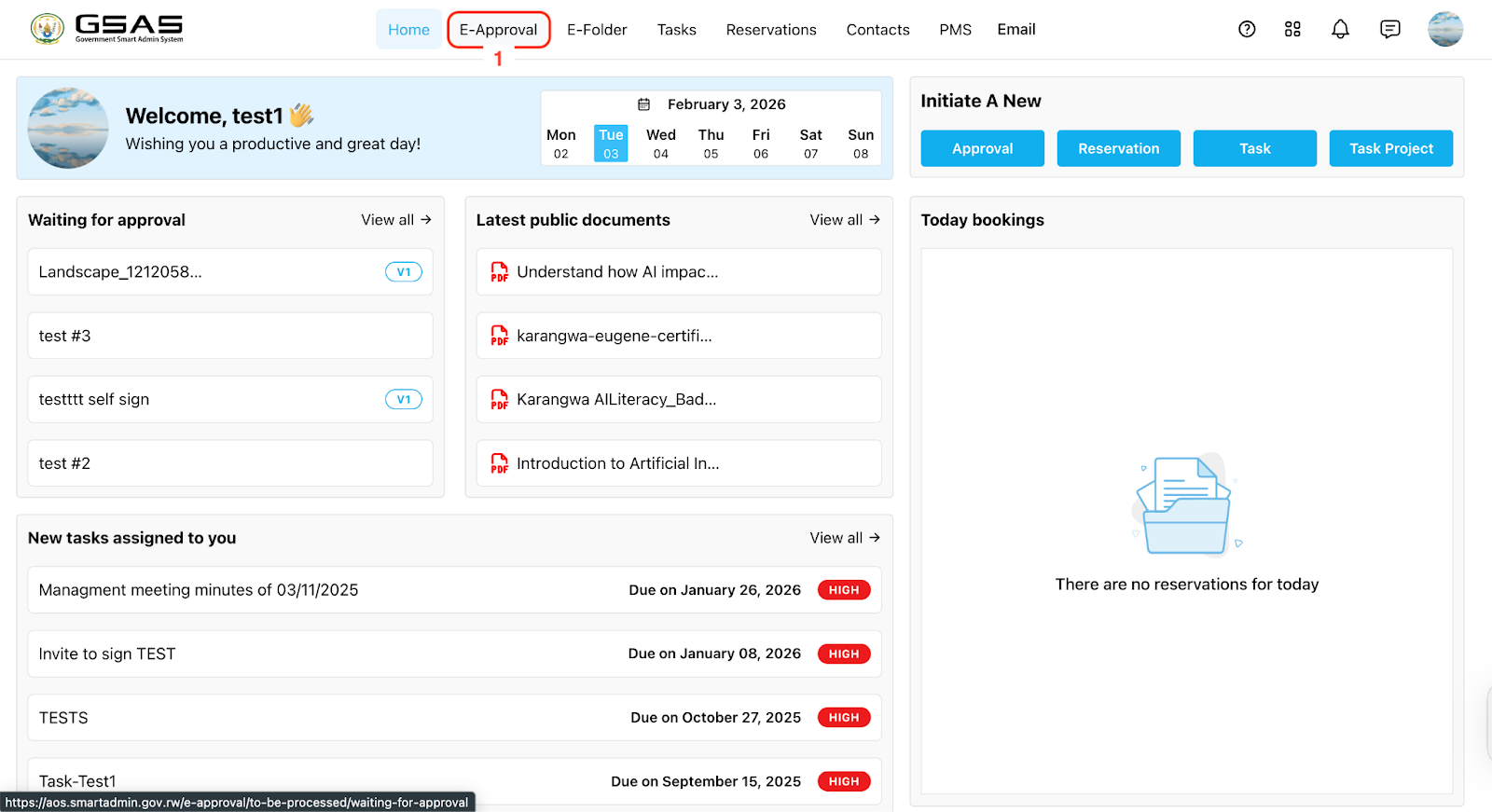
Step 1: Access eApproval

This section outlines the steps for users to register incoming documents that were not received through the Government Smart Administration System for archiving and sharing.
Step 1: Access eApproval