Overview
The Contacts page lets you look up the contact details of any user that uses the system.
Viewing contacts
Click Contacts in the top navigation. By default, the list shows the users in your own institution. Use the search bar to find a specific contact.
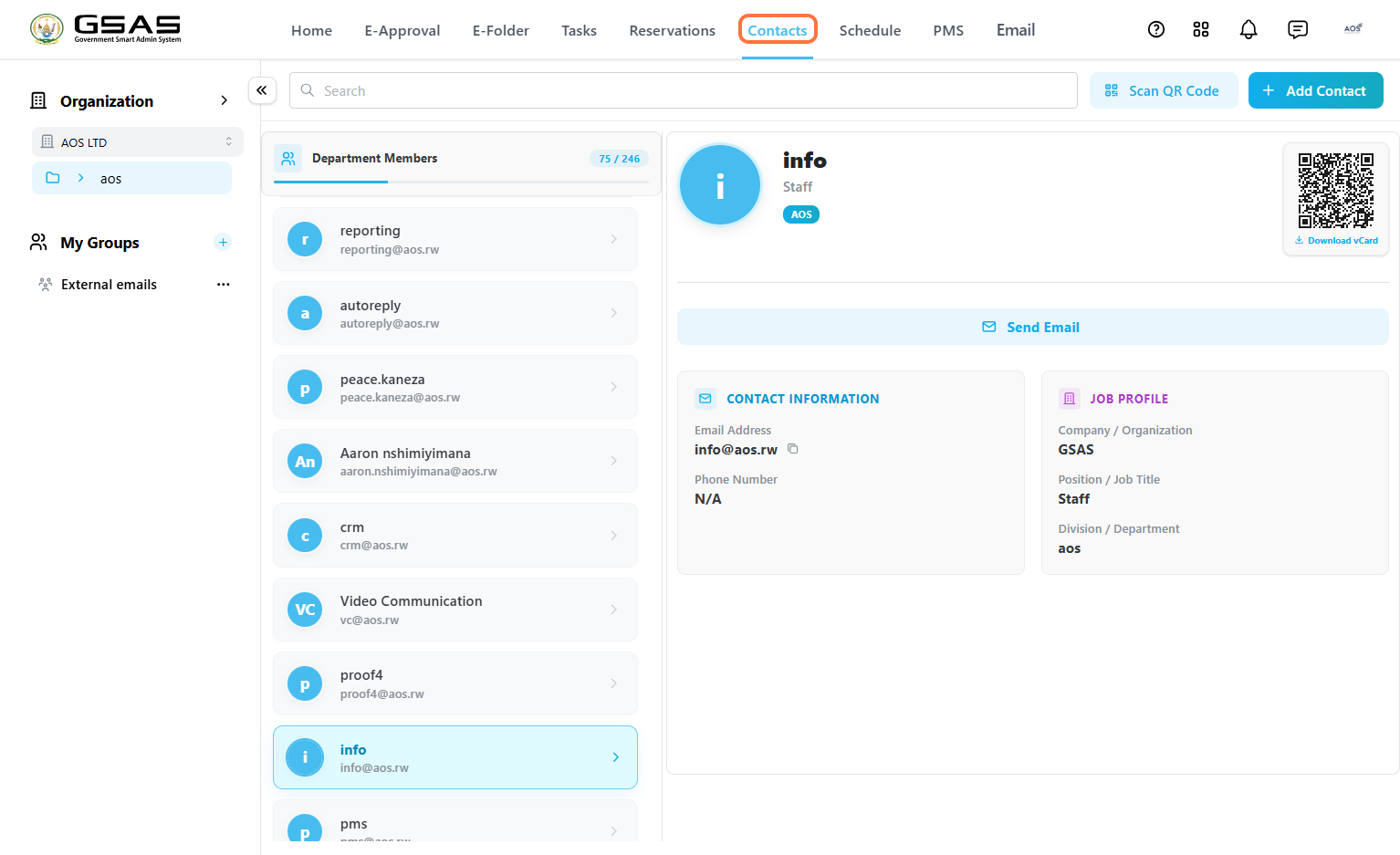
To view contacts from a different institution, select it from the institution dropdown.
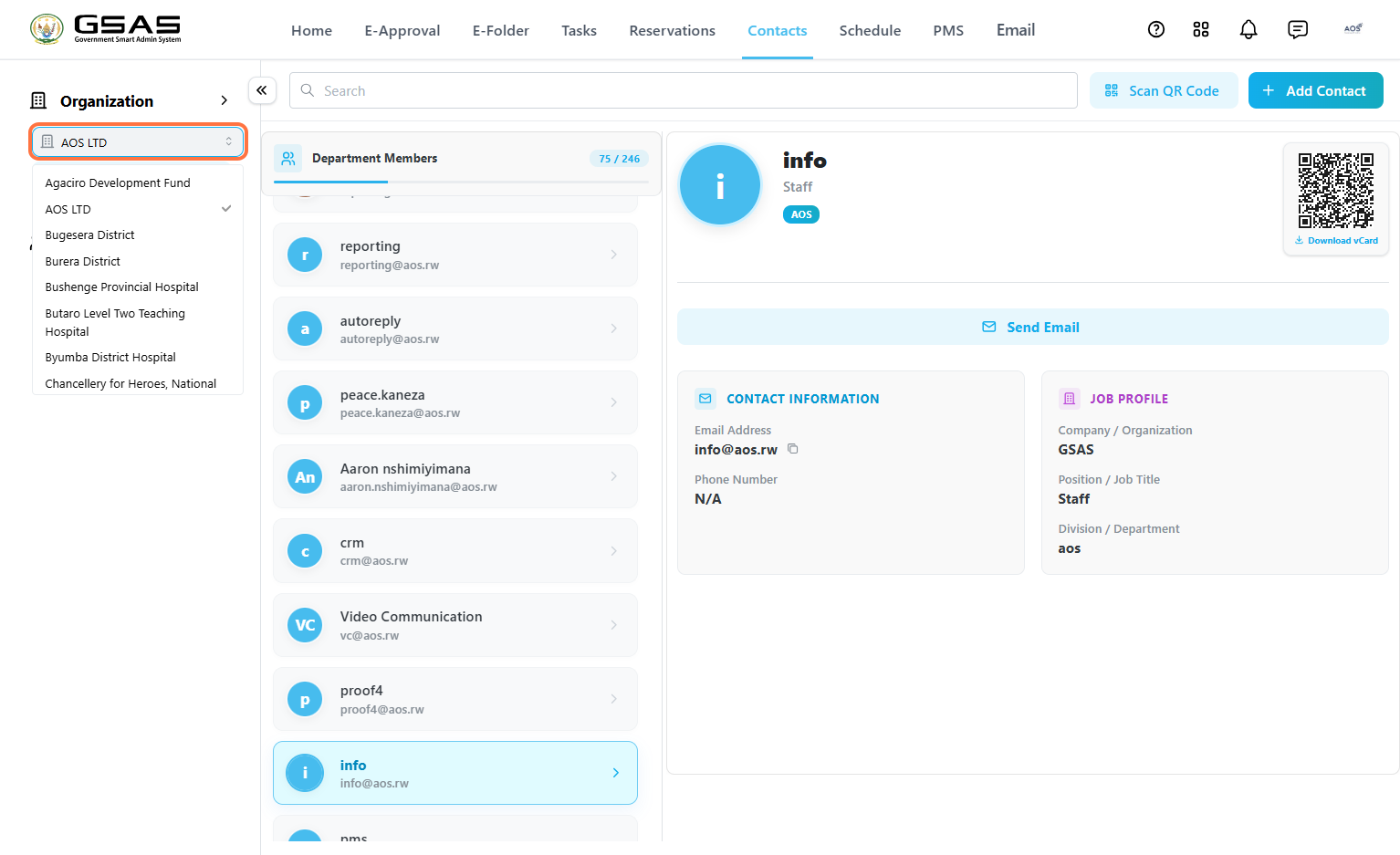
Filter contacts by department to locate a specific user faster. Click the institution name below the dropdown to view its departments, then select one.
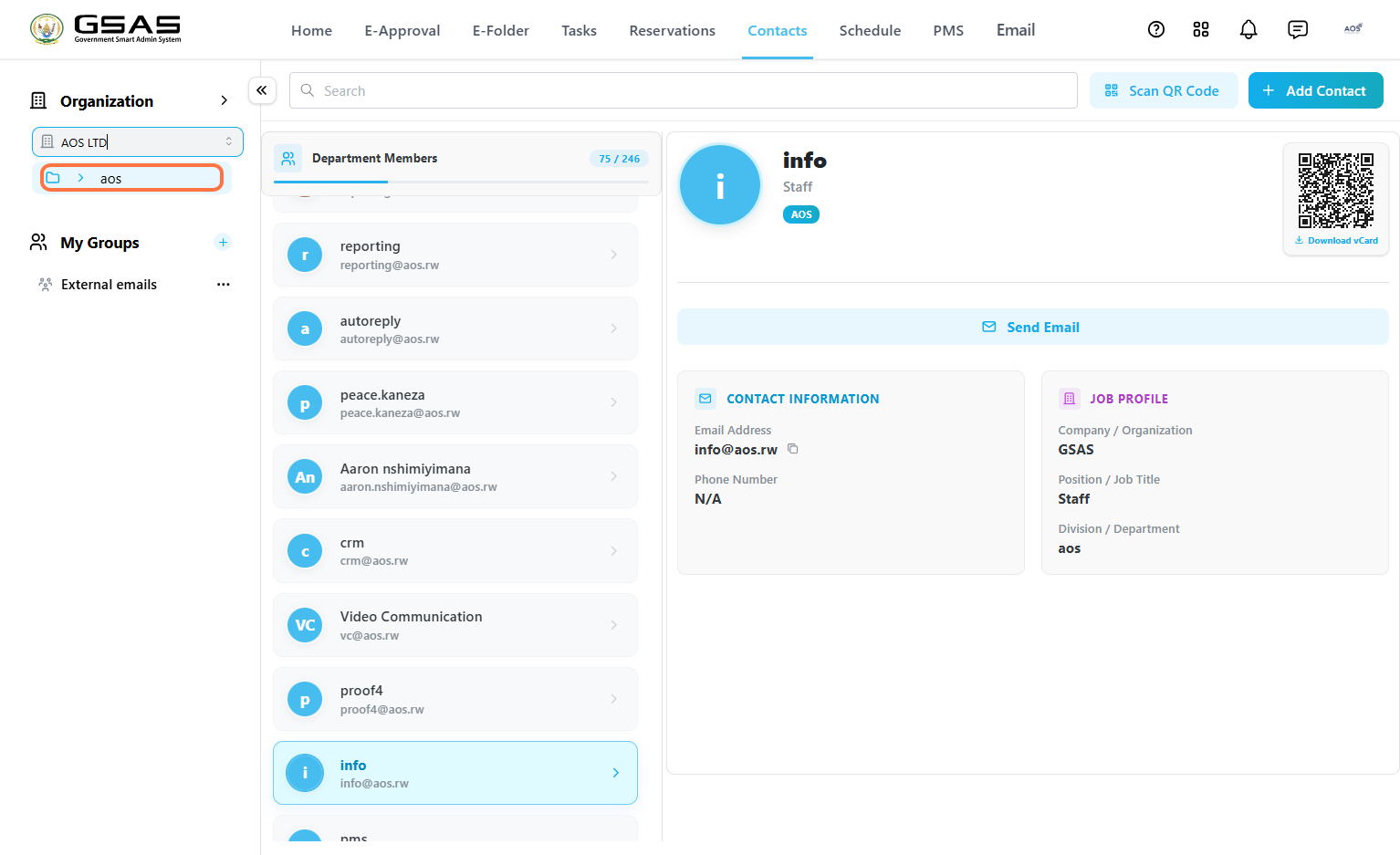
Select a contact to open their profile on the right, showing their name, title, and institution, along with:
- Contact Information — email address and phone number (only appears if the user has added it in their profile settings).
- Job Profile — company/organization, position/job title, and division/department.
- A QR Code you can scan or download as a vCard, and a Send Email shortcut.