Navigating e-Approval
A guide
The E-Approval module allows you to create and whatsubmit eachapproval sectionrequests digitally within GSAS. Instead of yourhandling workspacephysical contains.documents around the office, everything is done within the system, from drafting and submitting a request to getting it approved and finalized.
Folder Reference
This page explains whatWhat each folder in the E-e-Approval module contains and what you can expect to find there.
My Documents
Documents you have created andyourself.
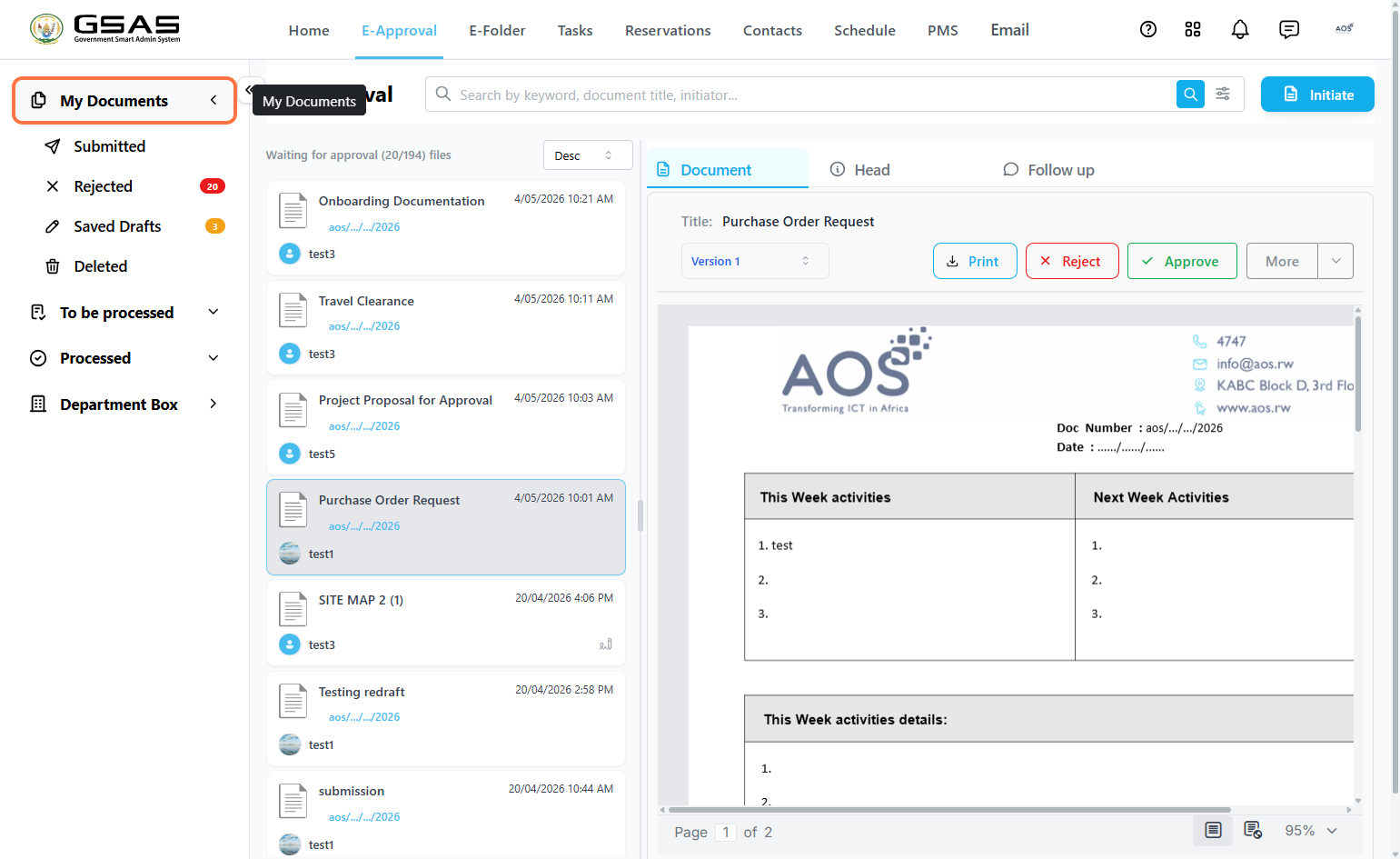
| Submitted | Documents you have submitted and are currently moving through the approval line. |
| Rejected | Documents that have been rejected by an approver. Once you edit and resubmit a rejected document, it is removed from this folder and updated to a new version. |
| Saved Drafts | Documents you have saved but not yet submitted. Also where reverted submissions are returned to for further editing. |
| Deleted | Drafts you have deleted. |
To Be Processed
Documents assigned to you that require your action.
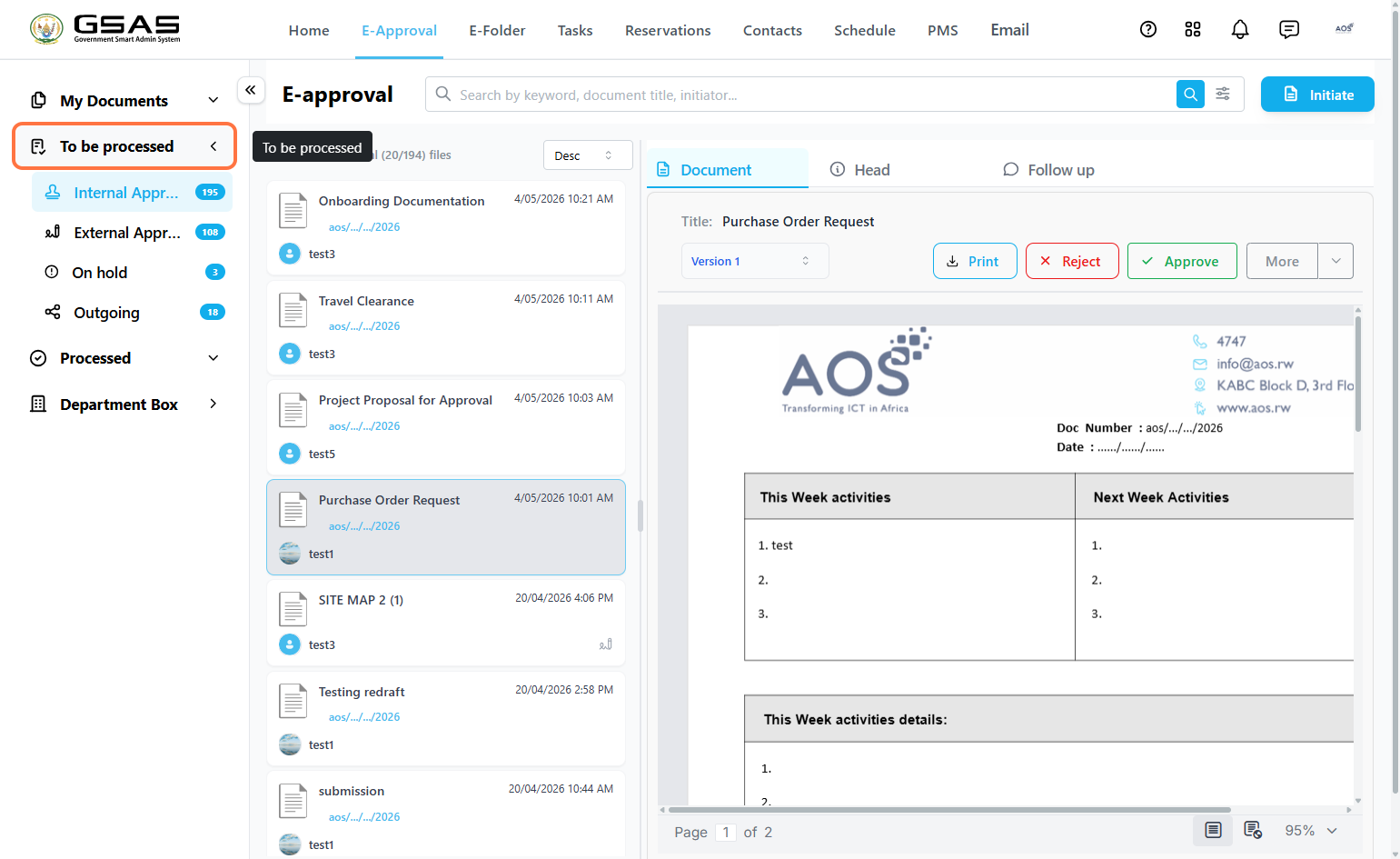
| Internal Approval | Internal requests waiting for your approval. You will be notified when a document reaches your turn in the approval line. |
| External Approval | Requests received from external institutions waiting for your approval. |
| On Hold | Documents you have placed on hold while you decide whether to approve or reject them. You can return to them at any time to take action. |
| Outgoing Sender Manager only | Approved documents ready to be dispatched to external institutions. Only visible to users with the Sender Manager role. |
Processed
Documents that have been acted on and are no longer pending.require your action.
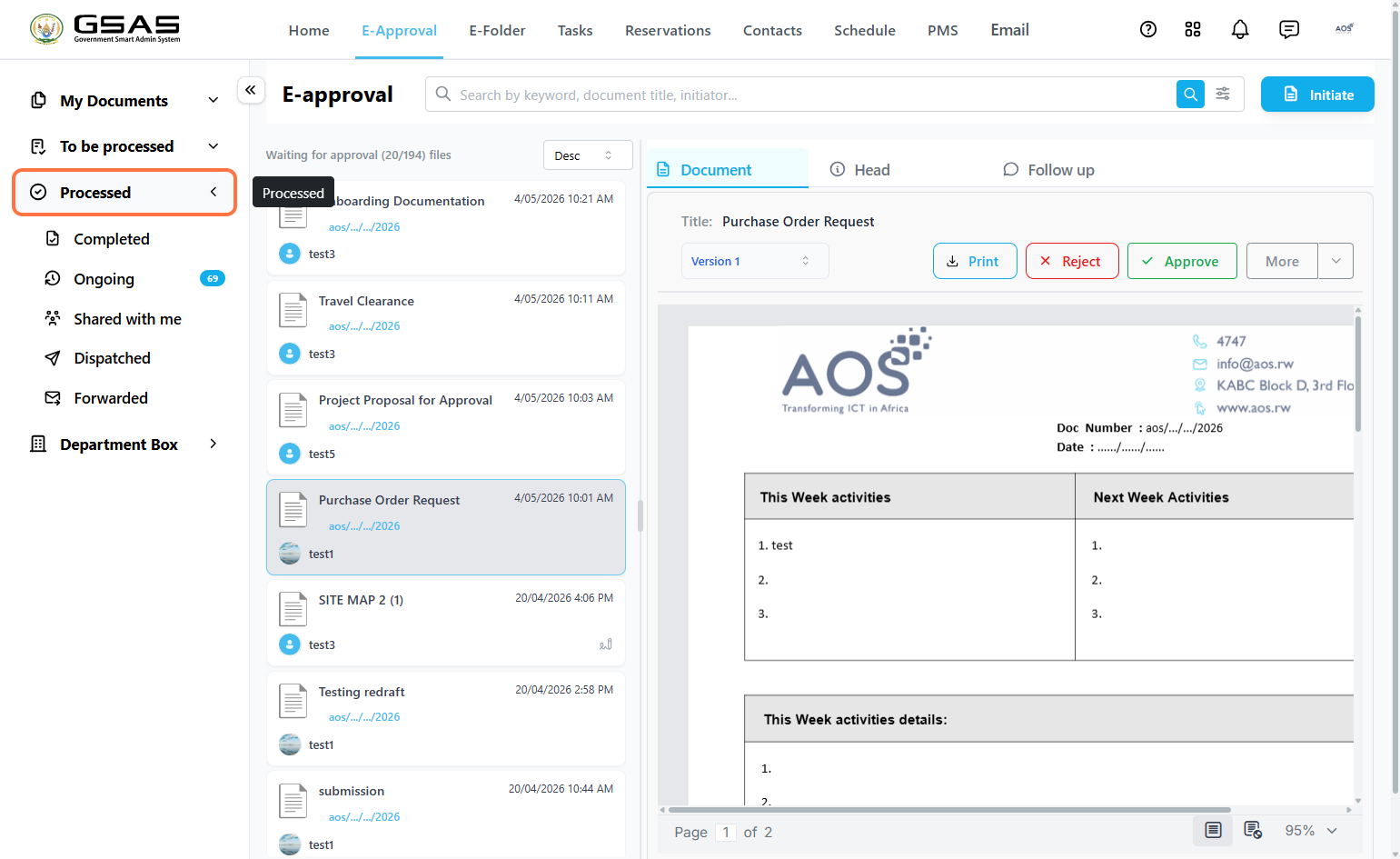
| Completed | Documents that have been approved by all approvers in the line and are fully completed. |
| Ongoing | Documents you have already approved but are still moving through the remaining approvers in the line. |
| Shared with Me | Completed documents that other users have shared with you. |
| Dispatched Sender Manager only | Documents that have been sent out to external institutions from the Outgoing folder. Only visible to users with the Sender Manager role. |
| Forwarded | External documents you have received and forwarded on to other internal users. |
Department Box
Official documents exchanged between your institution and external institutions.institutions, including physical documents registered for record-keeping.. Visible to all users in your department.
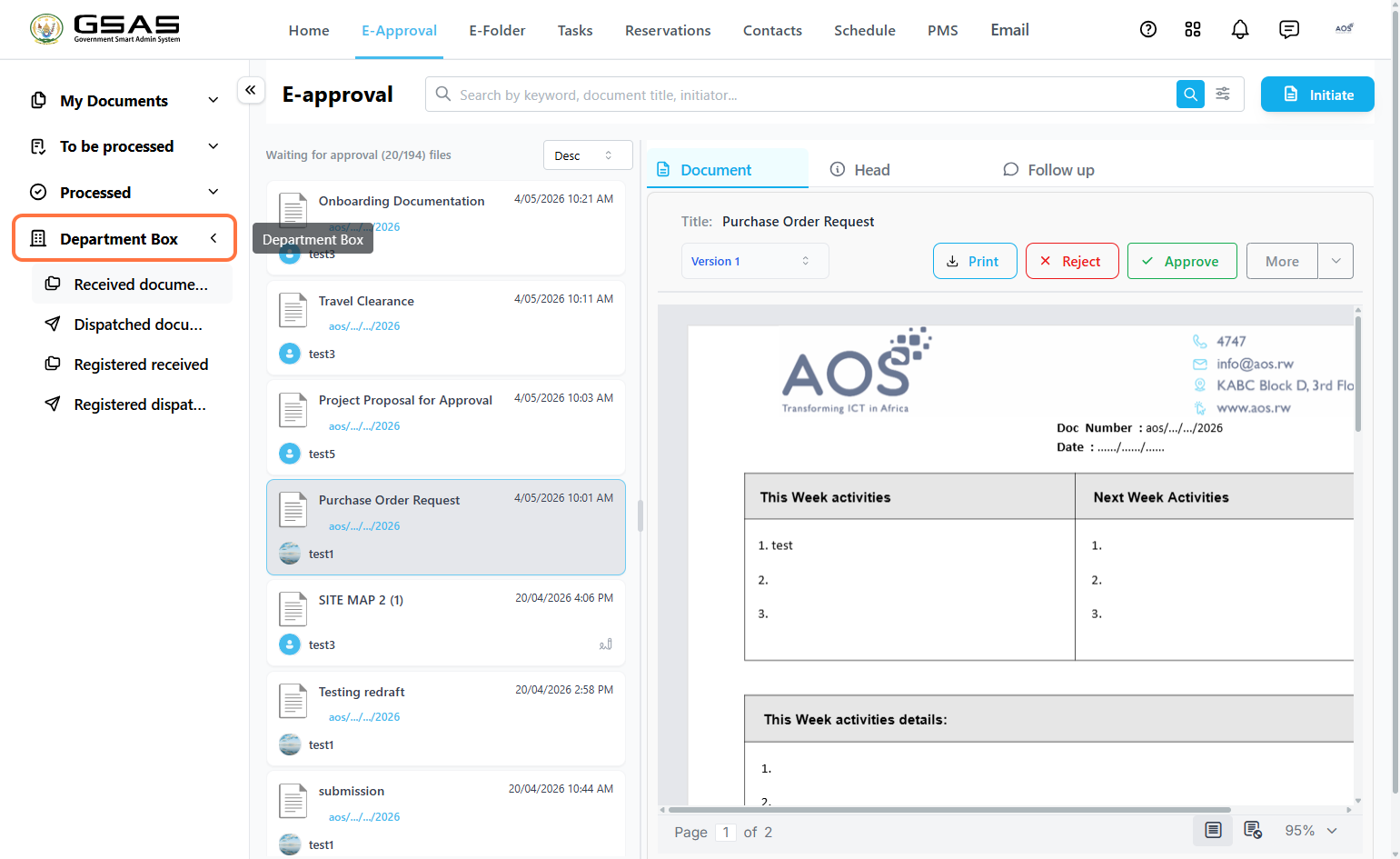
| Received Documents | Official documents received from external institutions. |
| Dispatched Documents | Official documents your institution has initiated and dispatched to external institutions. |
| Registered Received | All registered documents received from external institutions. |
| Registered Dispatched | All registered documents dispatched to external institutions. |