How to login
Step 1
Open Smart Admin
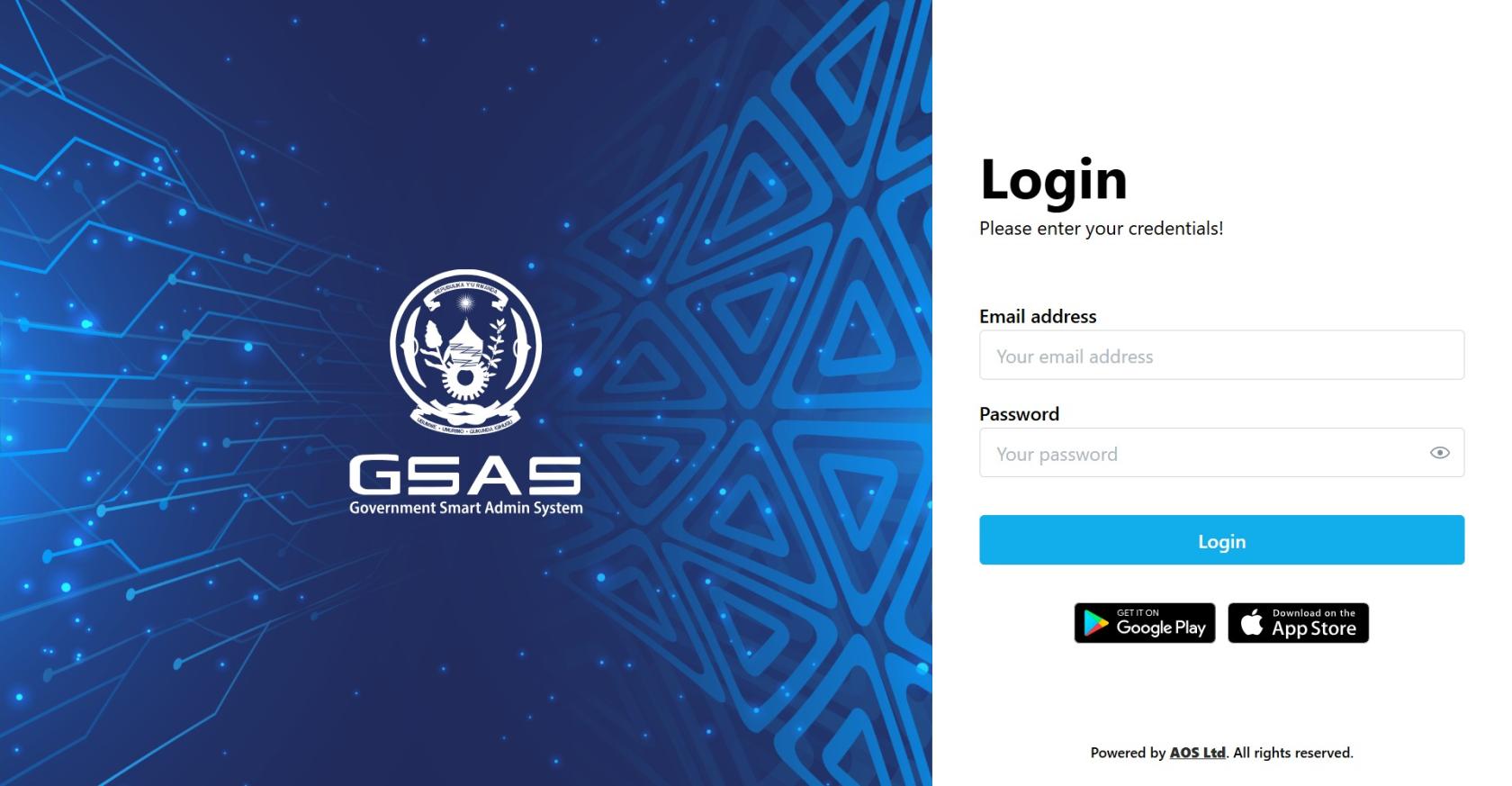
Navigate to your institution's Smart Admin URL in any web browser.
You'll land on the login screen shown here.
Step 2
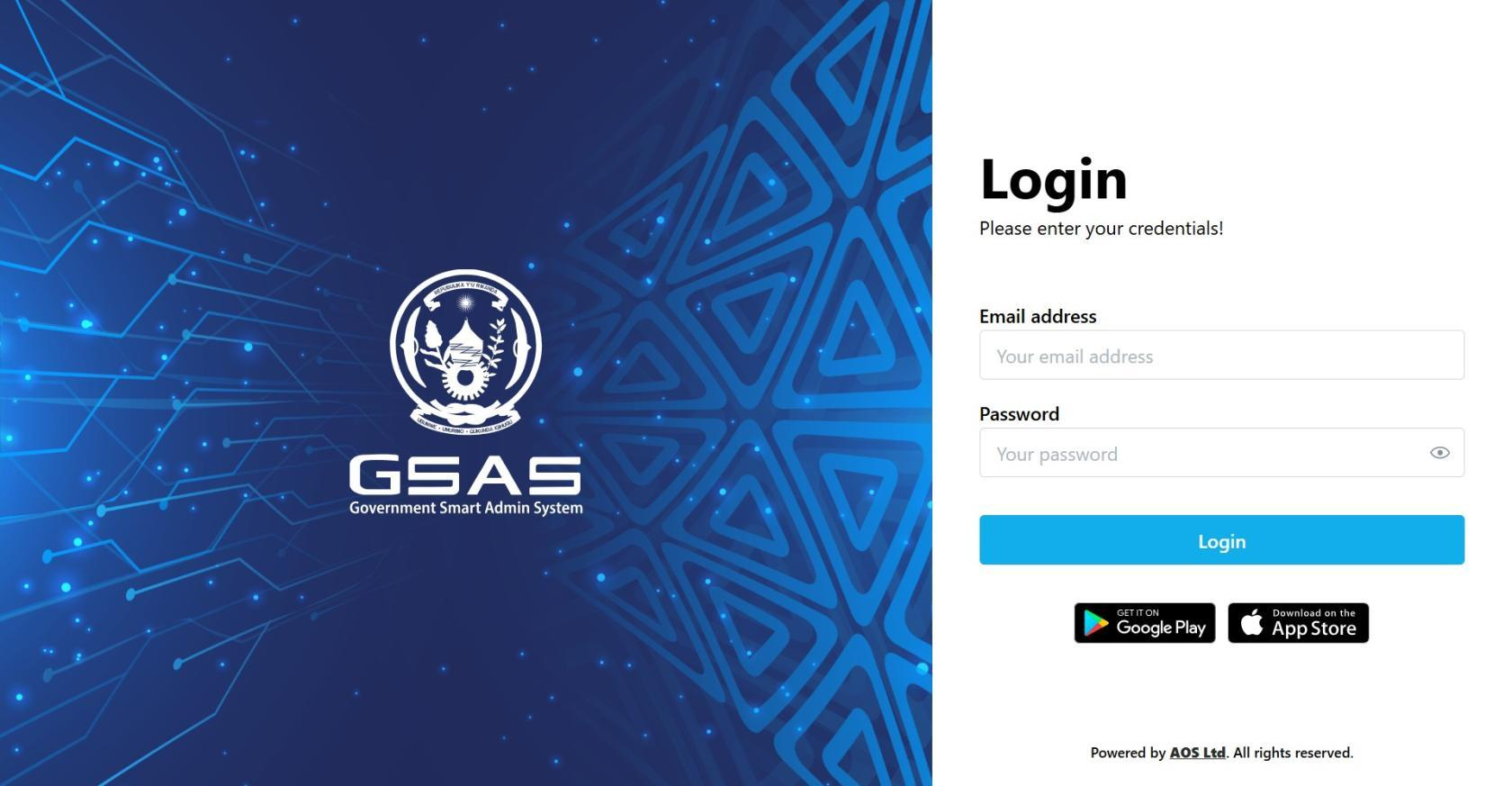
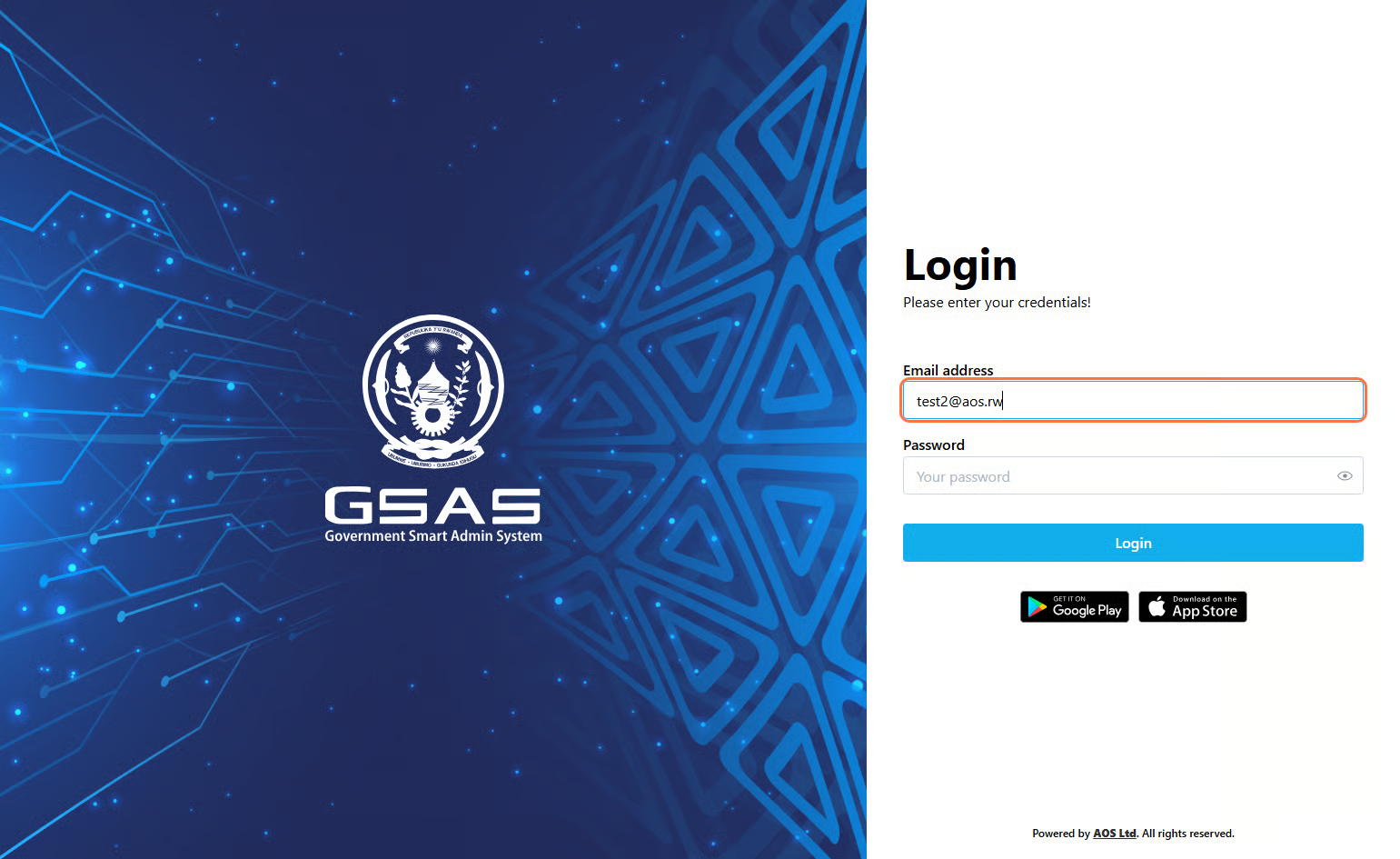
Enter your email address
Type in the email address your administrator registered you with.
If you're not sure which one to use, check with your IT department.
Step 3
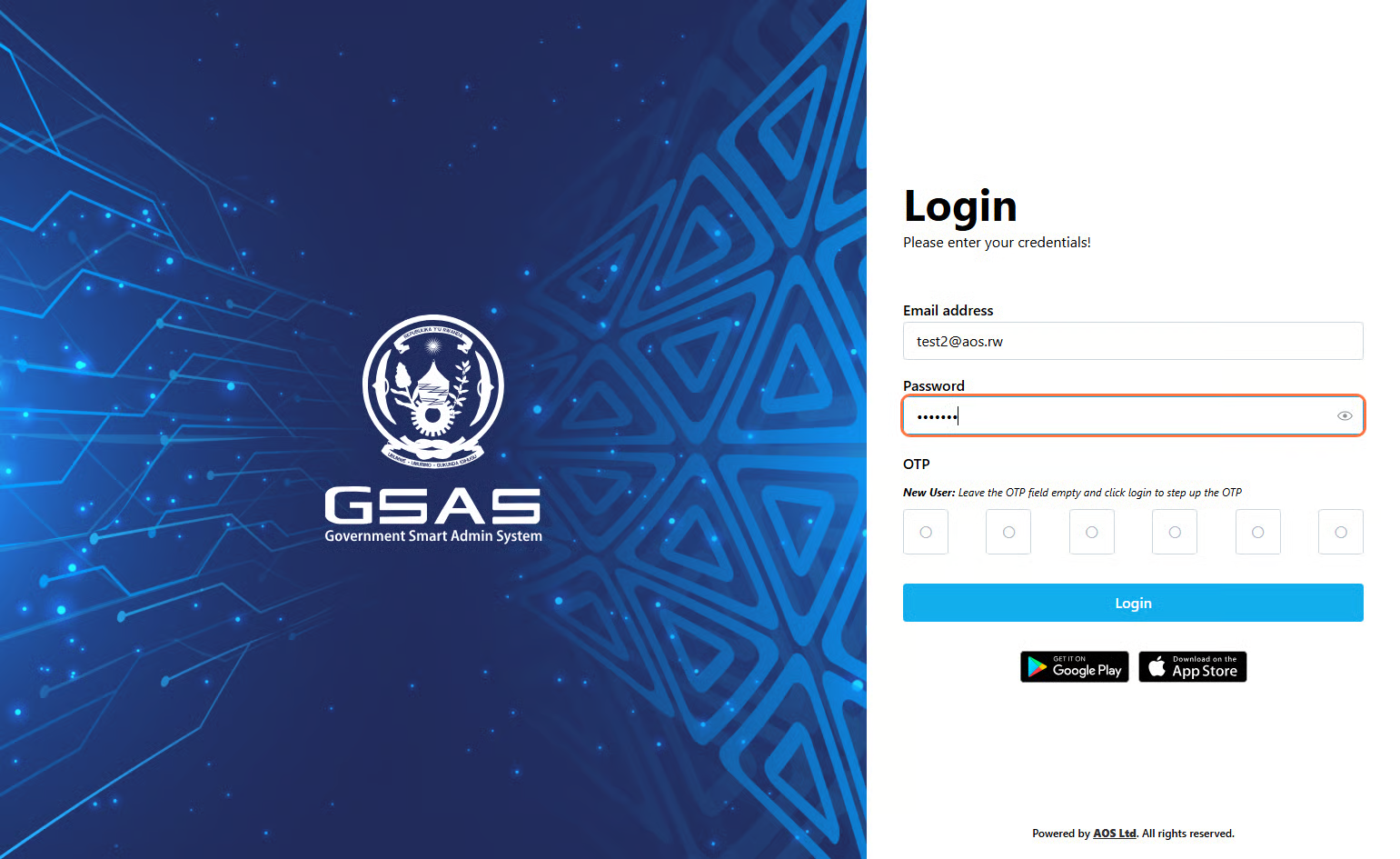
Enter your password
Type your password.password, then click Login. Your password is case-sensitive, so make sure Caps Lock is off.
🔒
Step 4
Authentication
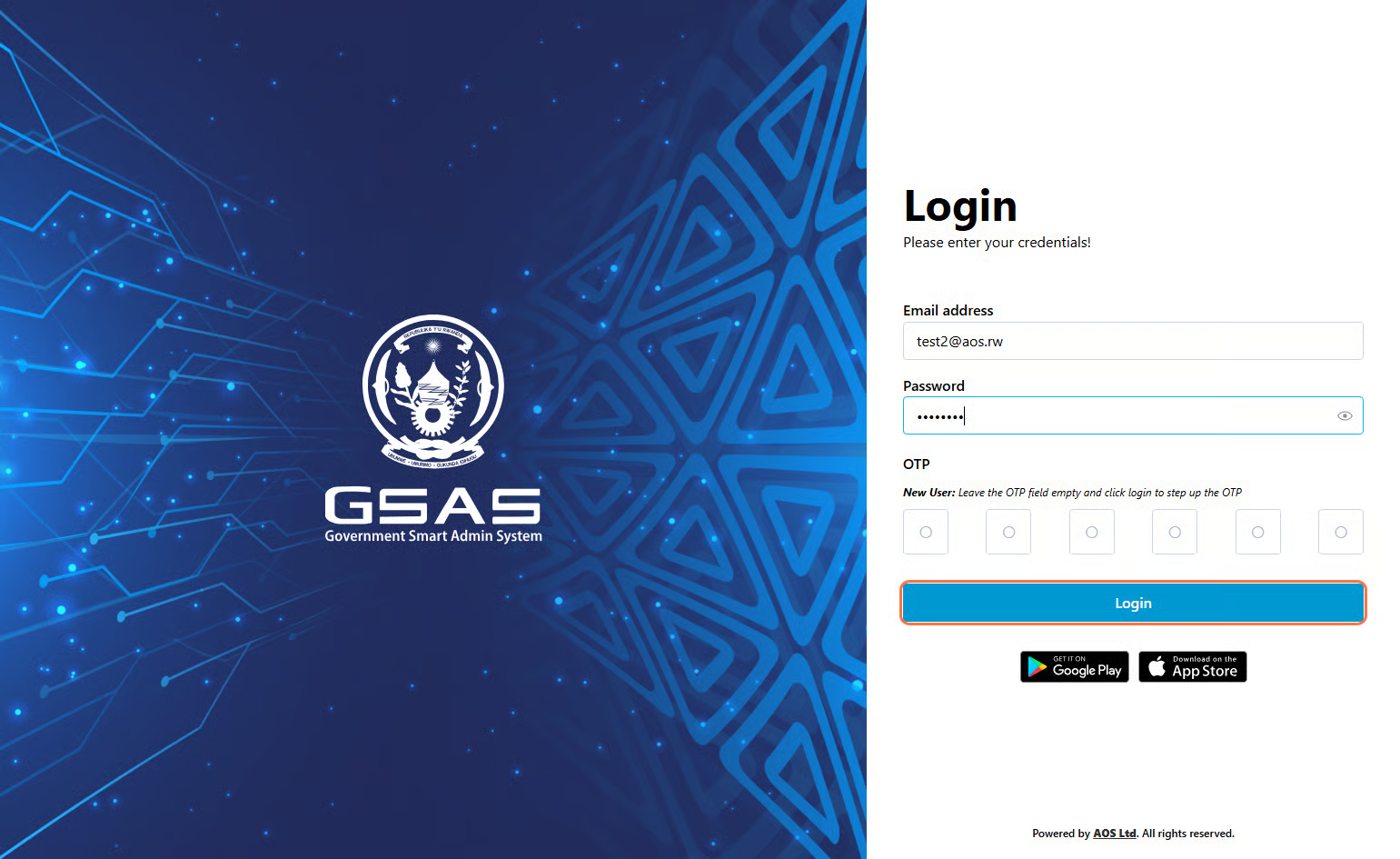
If your account uses two-factor authentication, you'll be asked to verify your identity.
First time login?
Follow these steps to set up your OTP:
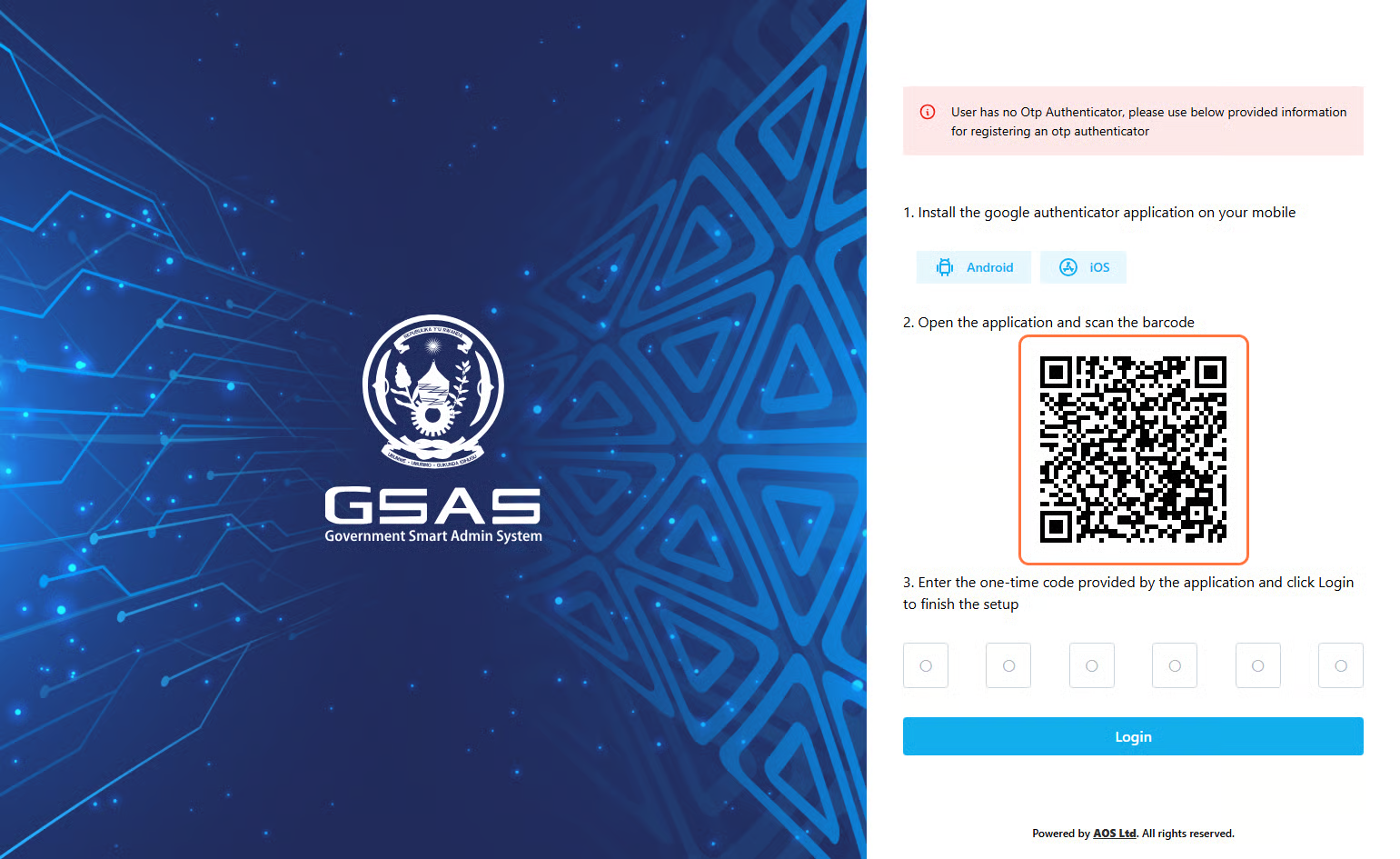
Future logins will require you to enter the current code in your authenticator app every time you log in.
Enterenter it inwhen the OTP field, just above the Login button
prompted.
Don'tℹ️ seeNot ansure OTPif field? Youryour account isuses using2FA? Simple Authentication — skip Step 3 and click Login directly. For stronger account security, we recommend enabling OTP Authentication. Reach out toAsk your administratorIT toadministrator.
Step 5
Access Grantedgranted
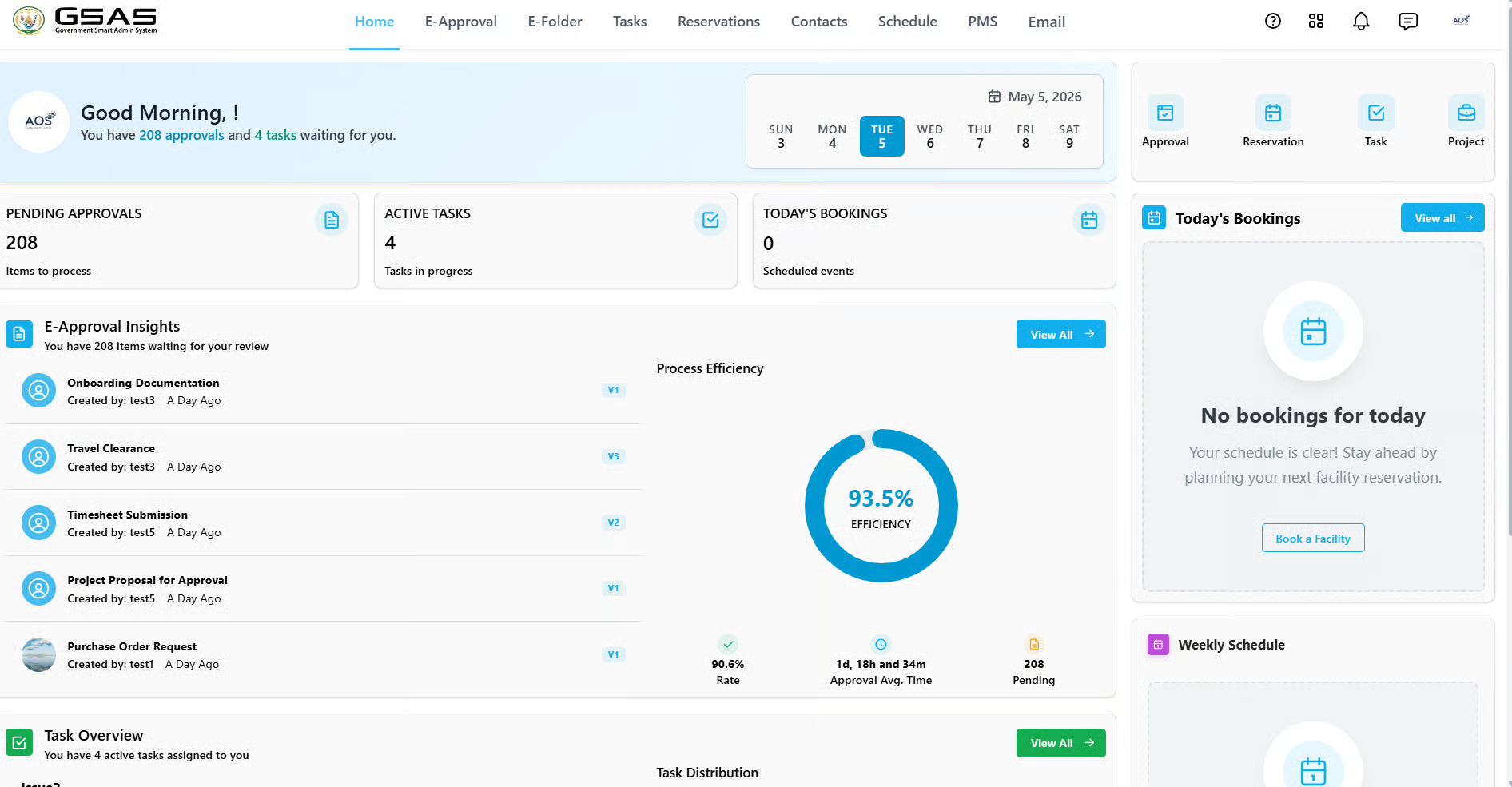
You willYou'll be redirected to your dashboard upon successful login.