How to login
|
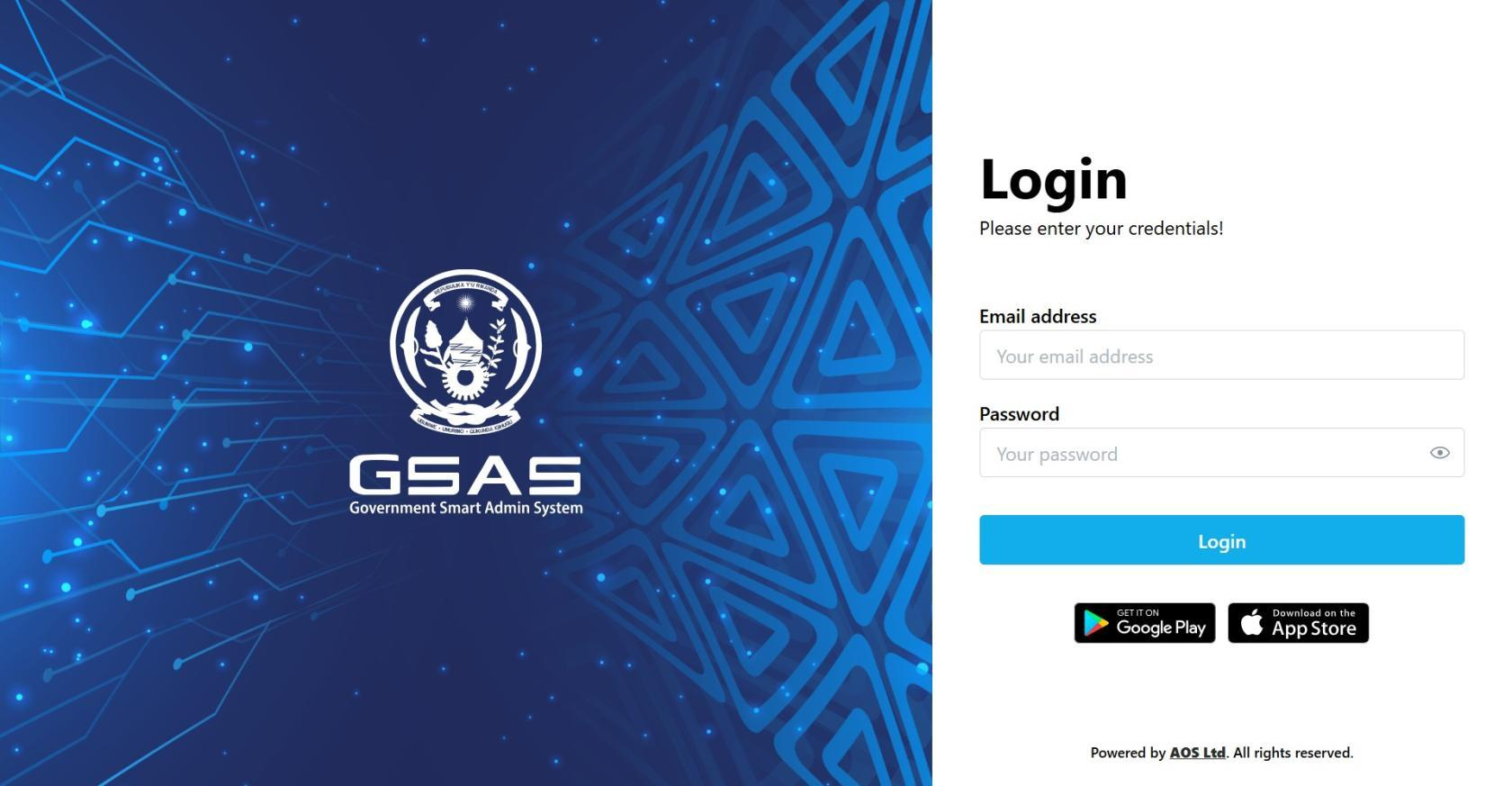
Step 1 Open Smart Admin Navigate to your institution's Smart Admin URL in any web browser. You'll land on the login screen shown here.
|
 |
|
Step 2 Enter your email address Type in the email address your administrator registered you with. If you're not sure which one to use, check with your IT department. |
|
Step 3 Enter your password Type your password, then click Login. Your password is case-sensitive, so make sure Caps Lock is off. 🔒 First time logging in? You may be prompted to set a new password before continuing. |
|
Step 4 Authentication If your account uses two-factor authentication, you'll be asked to verify your identity. Check your authenticator app for the current 6-digit code and enter it when prompted. ℹ️ Not sure if your account uses 2FA? Ask your IT administrator. |
|
Step 5 Access granted You'll be redirected to your dashboard upon successful login. |