Navigating Reservations
The Reservations module lets you book shared facilities, such as meeting rooms, boardrooms, and equipment, and keep track of your requests in one place.
Sidebar Sections
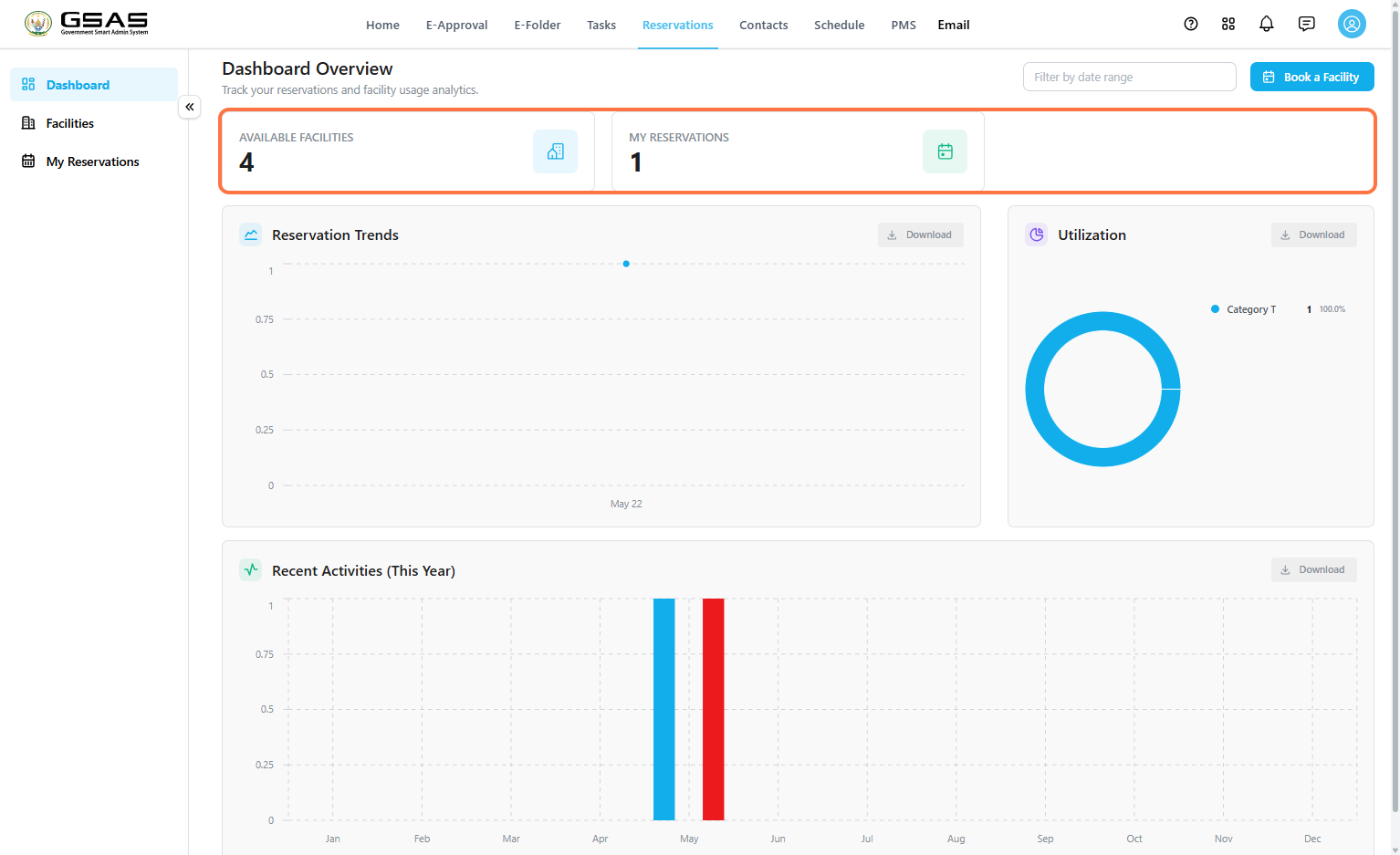
- Dashboard — an overview of facility availability and reservation activity.
- Facilities — browse the facilities available to book.
- My Reservations — view and track the bookings you've made.
- Submissions — review reservation requests made against facilities you manage.Facility Manager only
- My Facilities — edit or manage the facilities under your responsibility.Facility Manager only
Reading the Dashboard
The Dashboard gives you a quick snapshot of facility availability and your own reservation activity. Use the Filter by date range field at the top to narrow the charts below to a specific period.
Two summary cards sit at the top of the page. Available Facilities shows how many facilities are currently bookable, and My Reservations shows how many bookings you personally have on record.
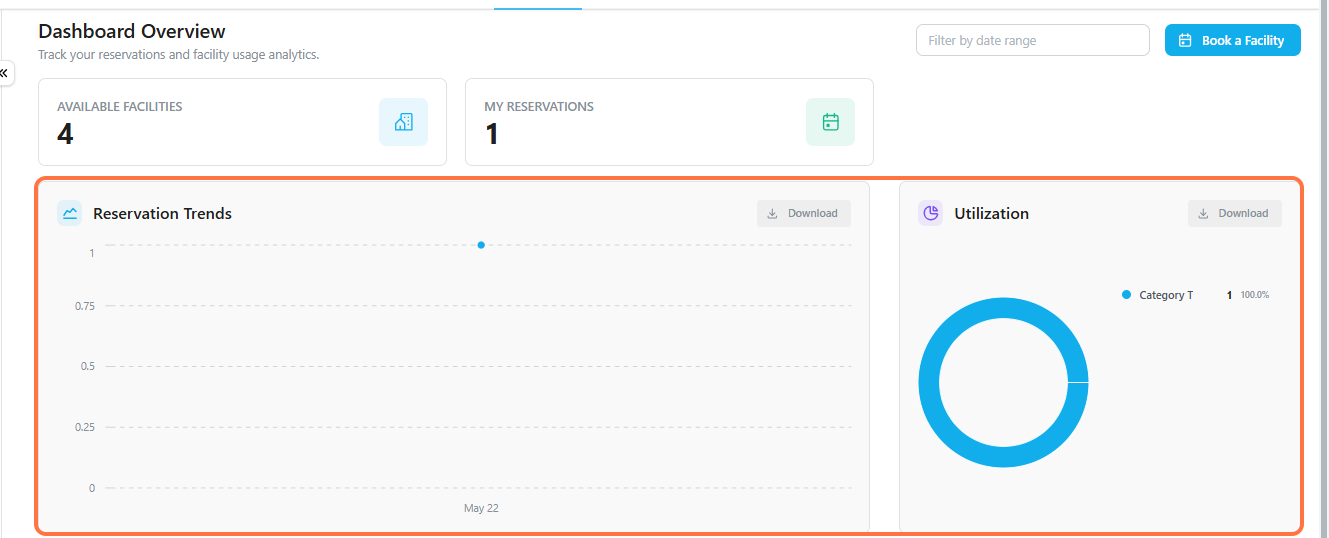
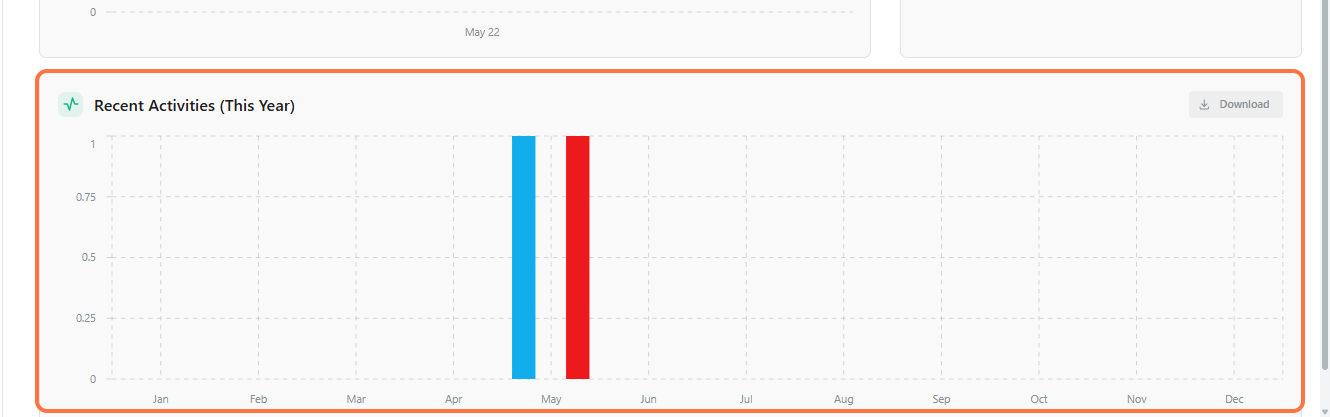
Below the summary cards, three charts break down activity in more detail.
| Chart | Shows |
|---|---|
| Reservation Trends | How many reservations have been made over time. |
| Utilization | Which facility categories are booked most often. |
| Recent Activities | A monthly breakdown of reservation activity for the current year. |
Each chart has a Download option if you need to export the data. To start a new booking from anywhere on the dashboard, click Book a Facility in the top right.
If you manage a facility, see Managing Facilities and Reservations to learn how to review incoming reservation requests and edit facility details.